Mythical Dateline
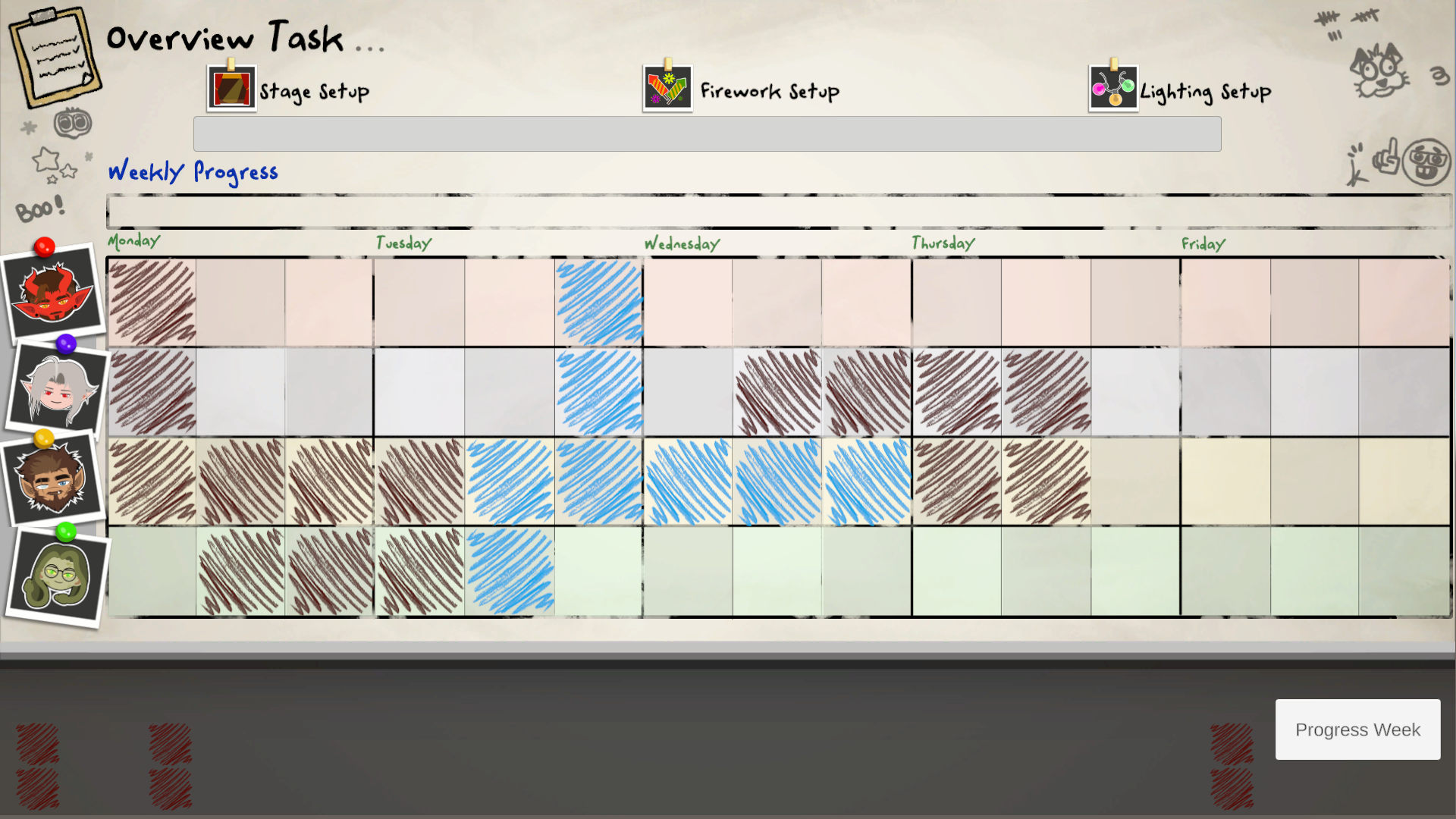
Work in a event's company filled with mythical creatures.
(Final Year Project 2)
These are the major projects that I have worked on
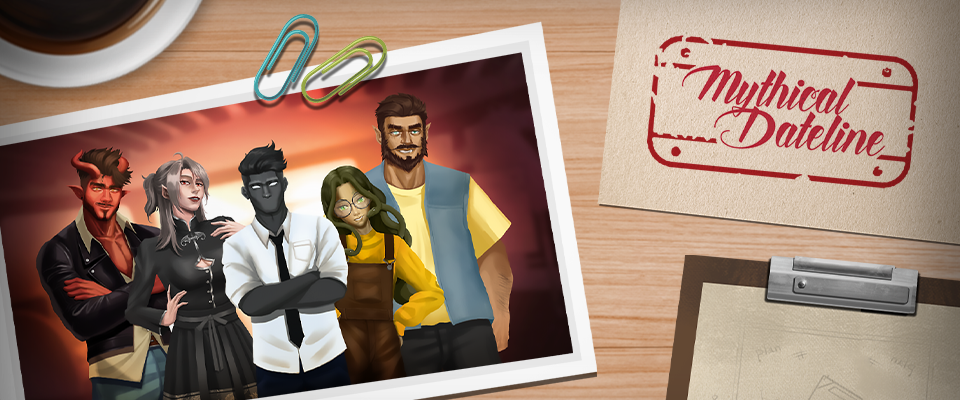
Work in a event's company filled with mythical creatures.
(Final Year Project 2)
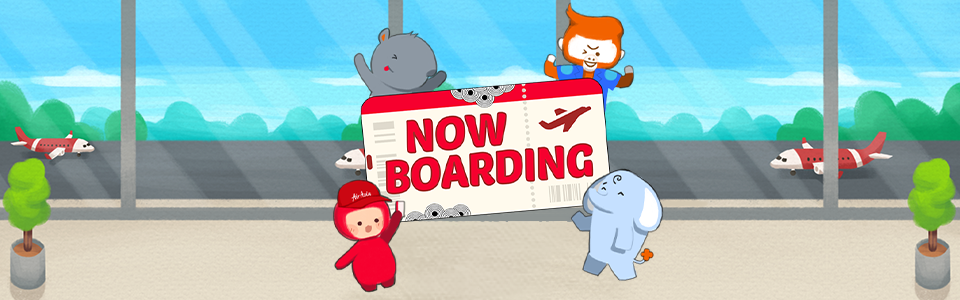
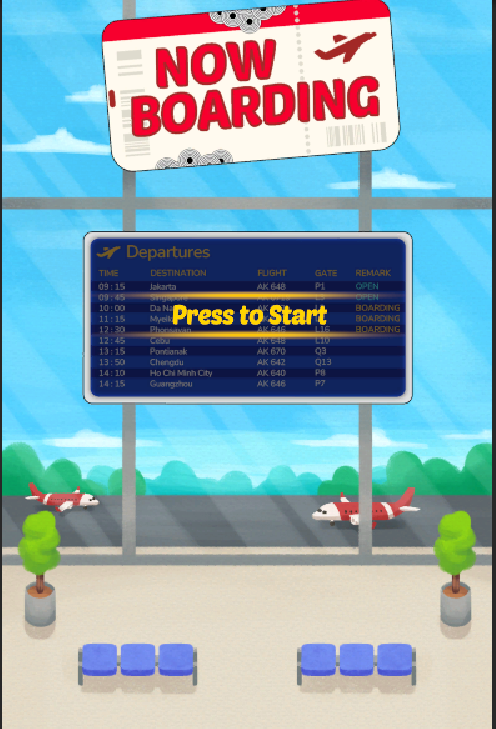
A hidden objects game where you play as the airline staff handling people's boarding pass.
(RedGames Jam 2025)
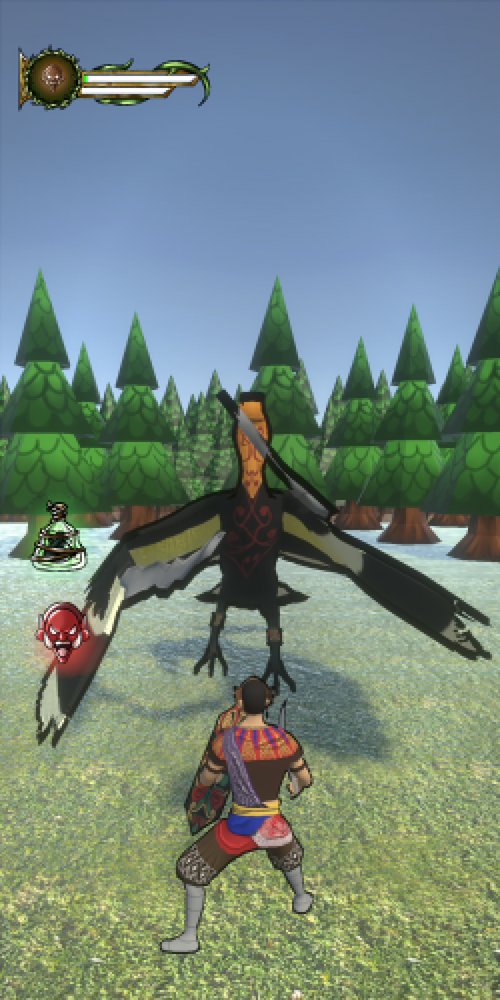
An ASEAN mythological hack and slash made for mobile devices.
(Game Project Studio 2)
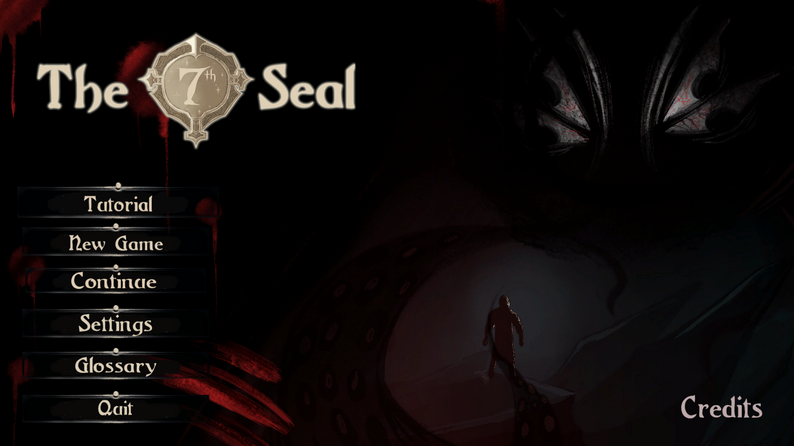
A Lovecraftian rougelike with a solitaire twist.
(Game Project Studio 1)
Mythical Dateline is a visual novel with management simulator elements.
It is my Final Year Project that I have worked on with my team.
I was the sole lead programmer for the team. This made me be responsible for all the technical aspects for the game.
Below are the main features that I have worked on the game:
Management Gameplay system
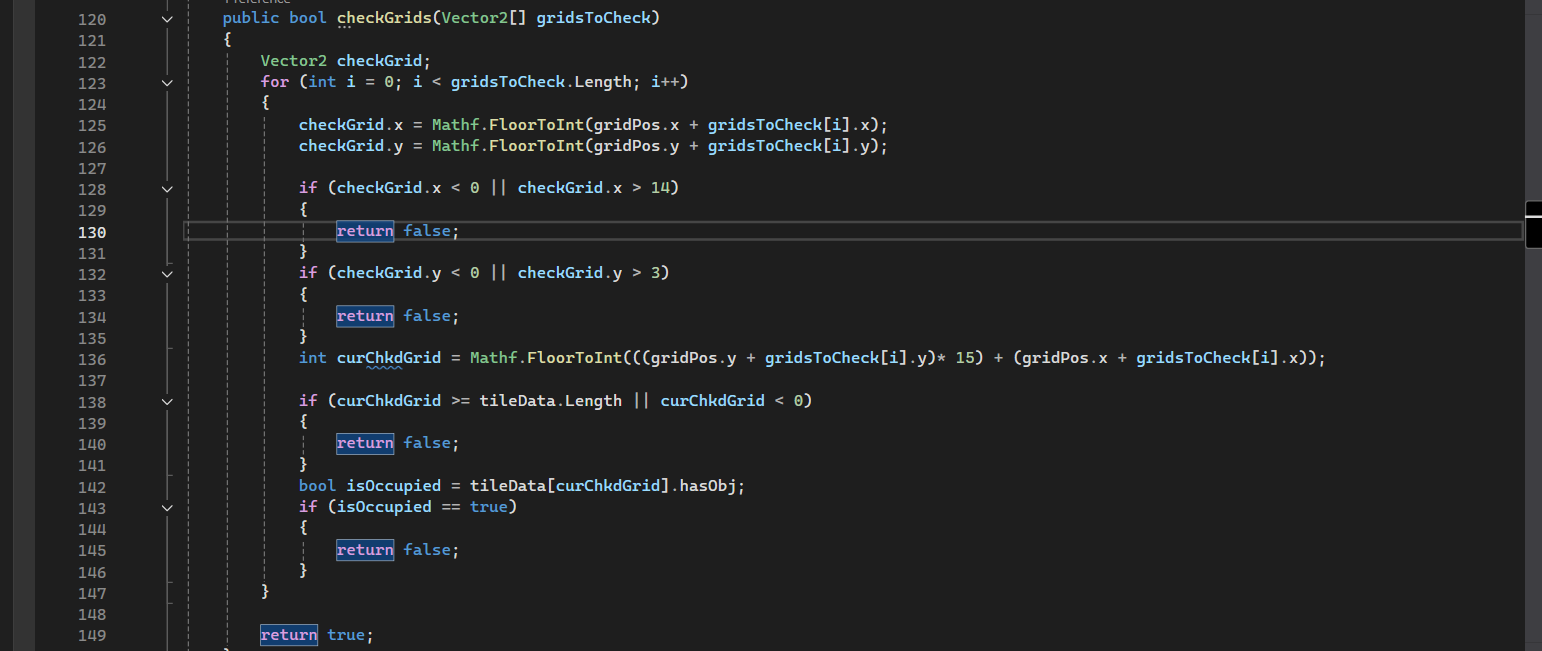
Get the column and row position of the grid where mouse is hovering
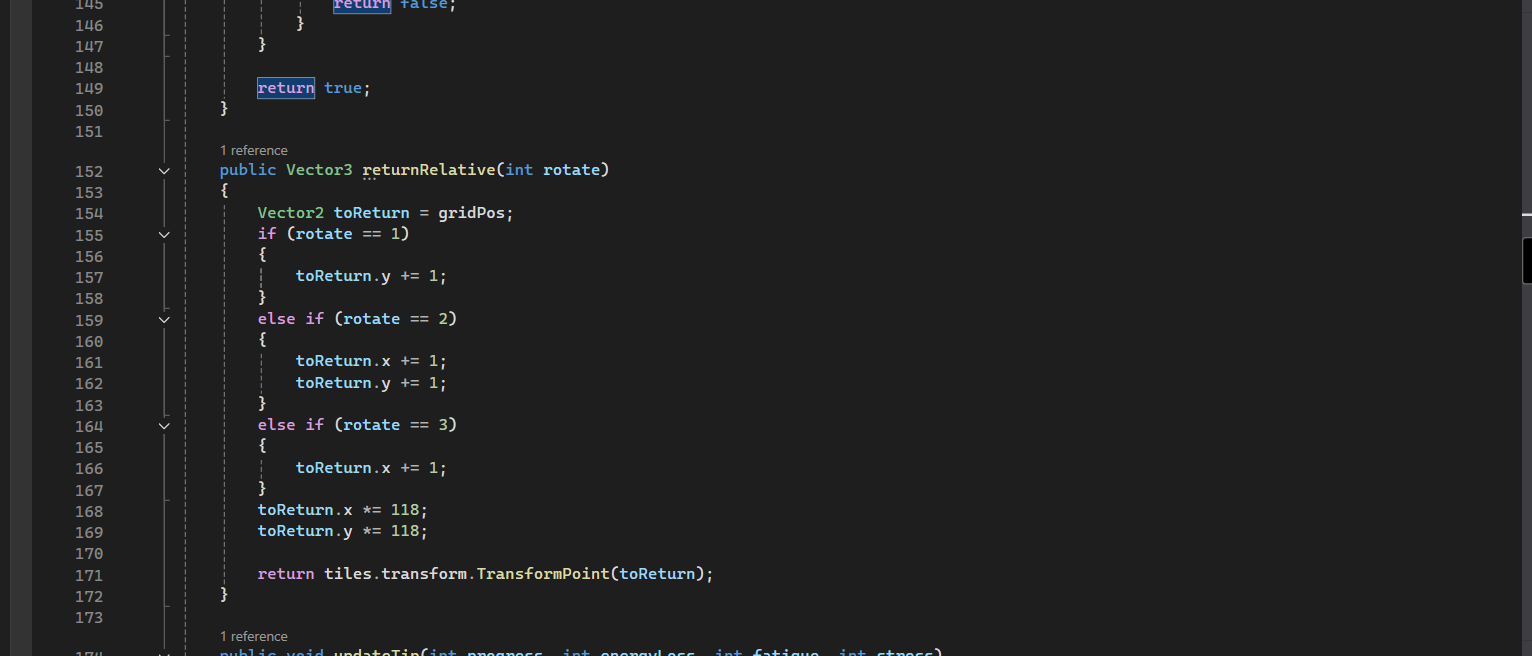
Get the world position of the from the column and row
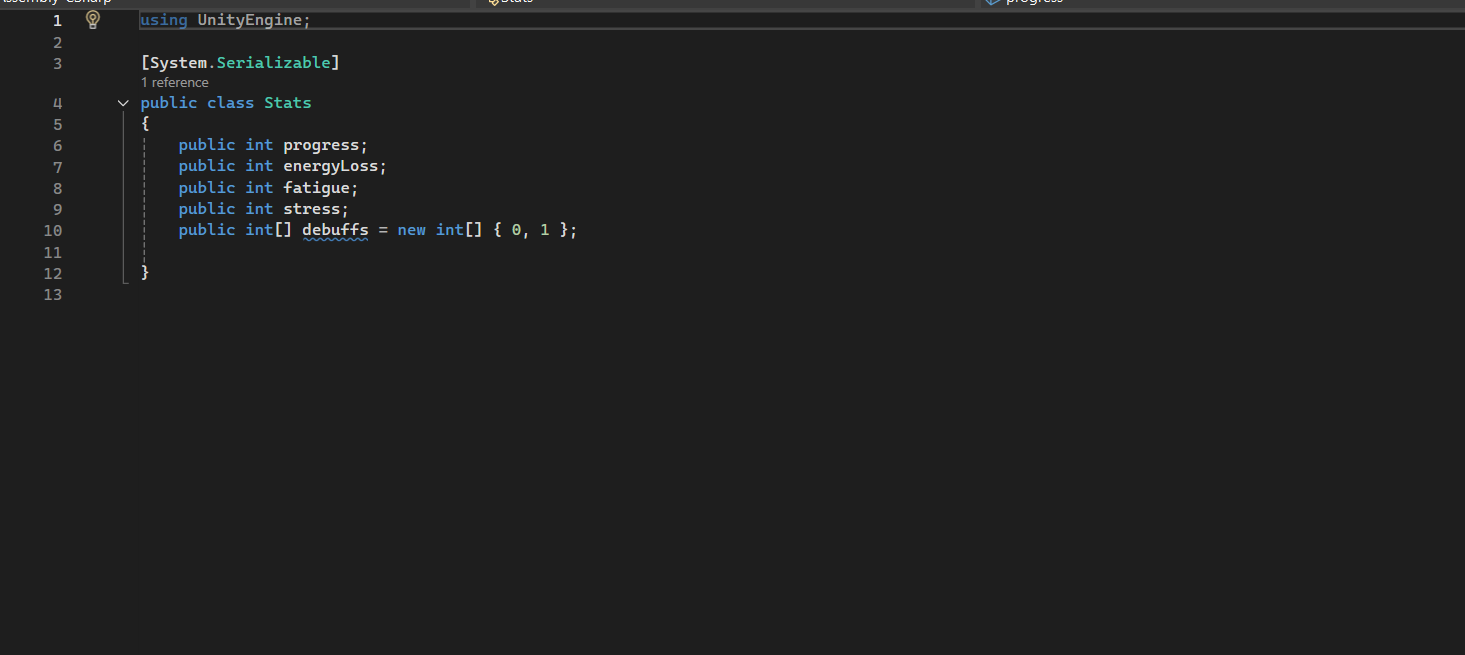
Stat varaibles for the tile
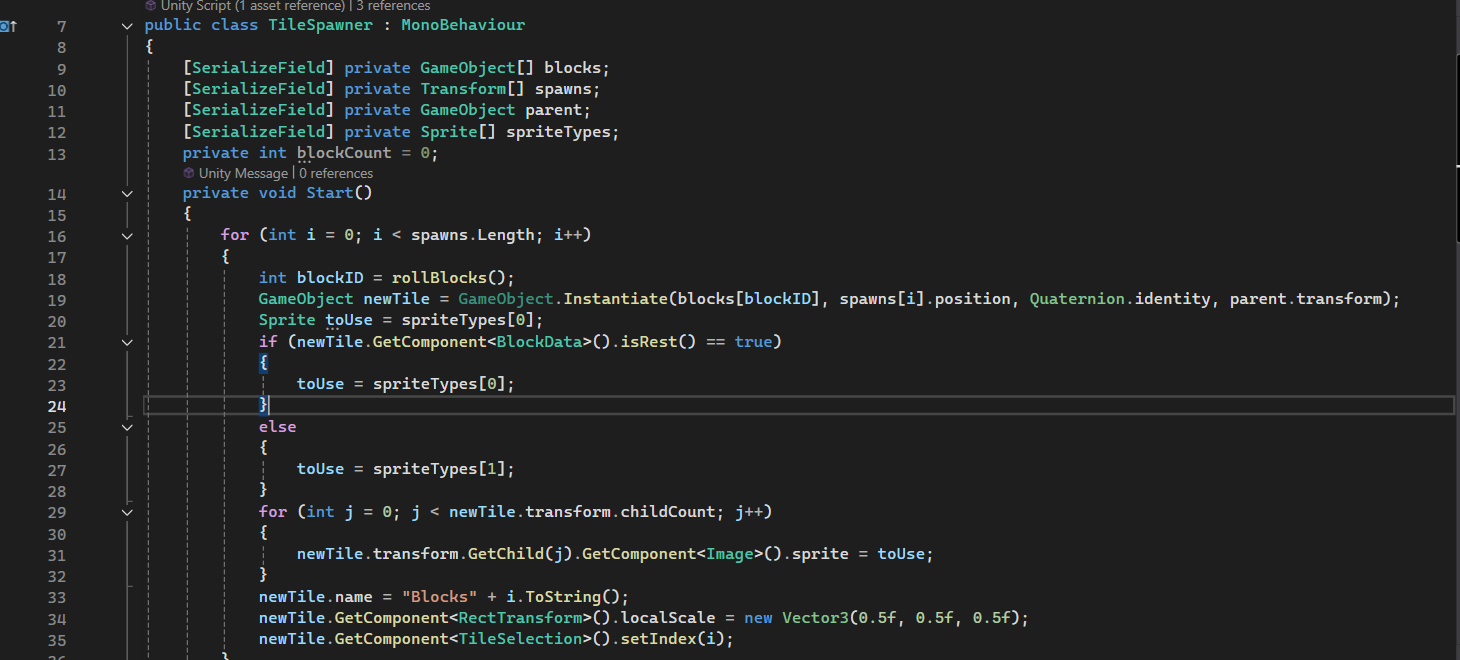
Function created to spawn the tiles for the player to use
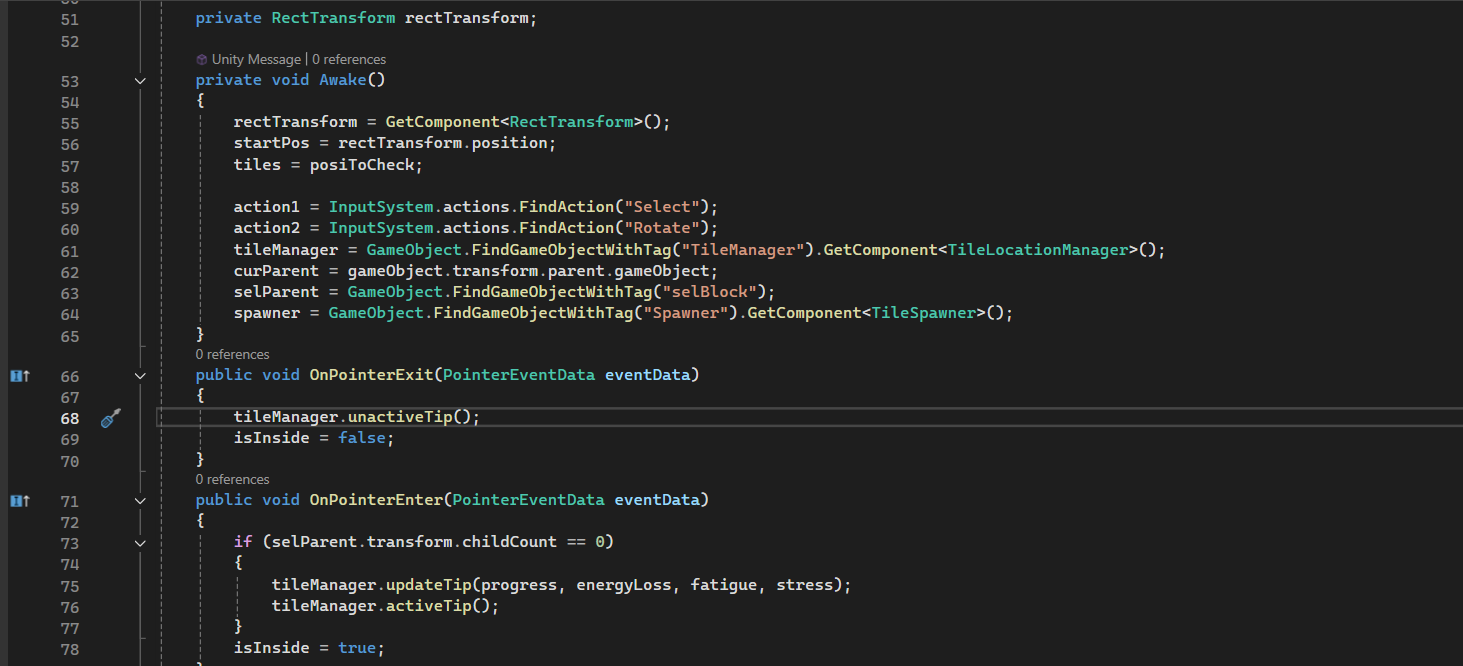
Mouse events for showing tile stats to players when hovering over them
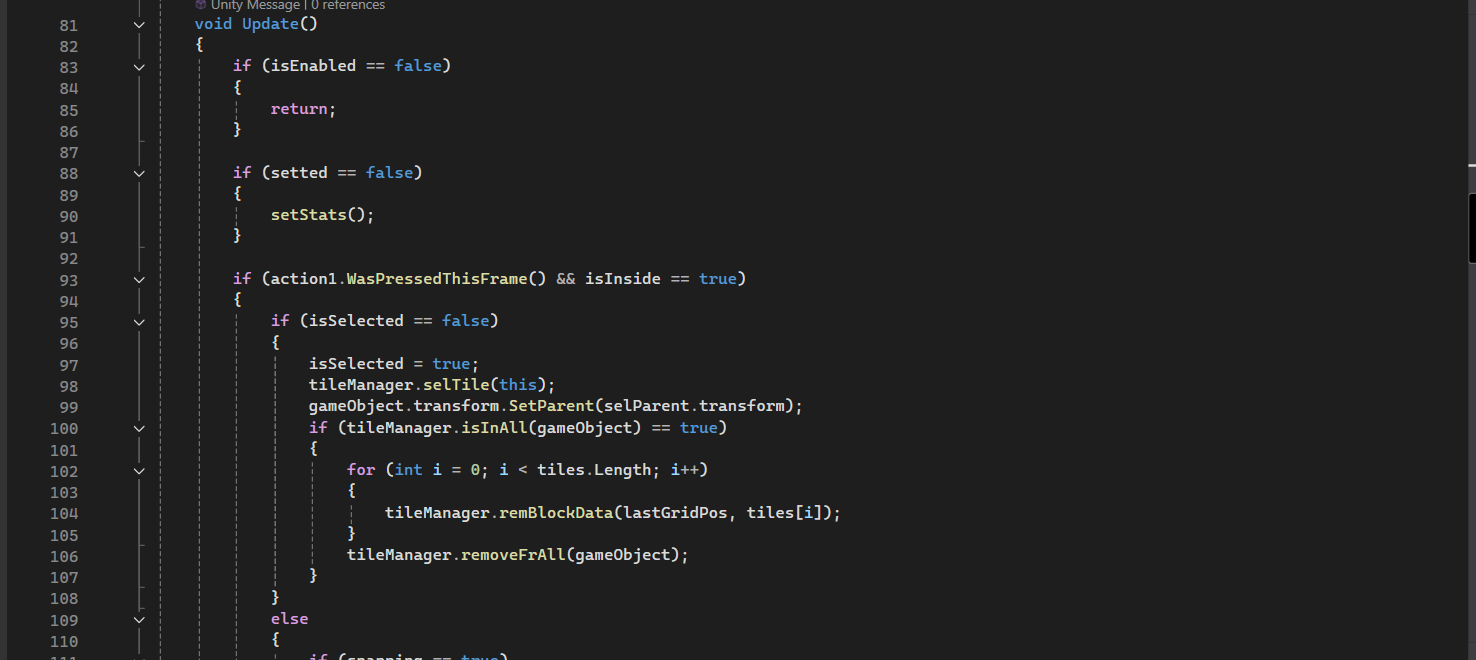
Selects the tile when clicked
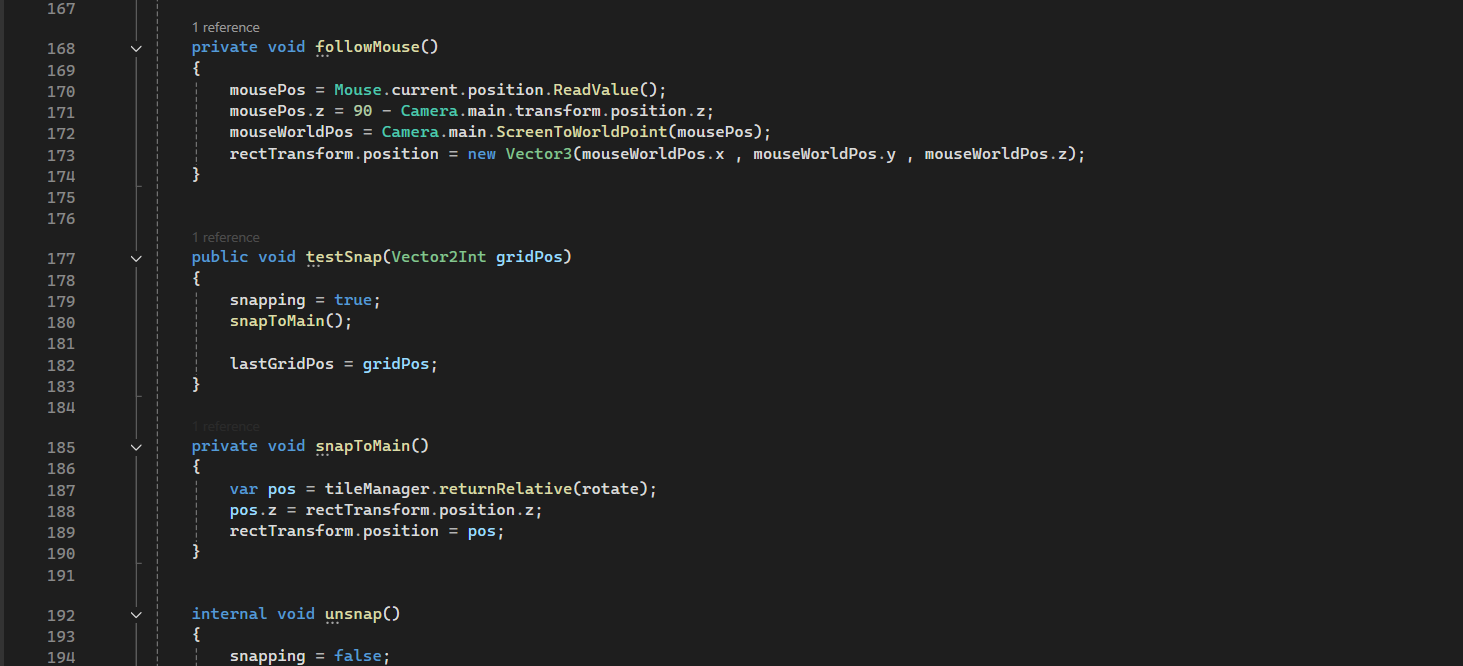
Movement of tile and allow snapping to grid if able to be placed
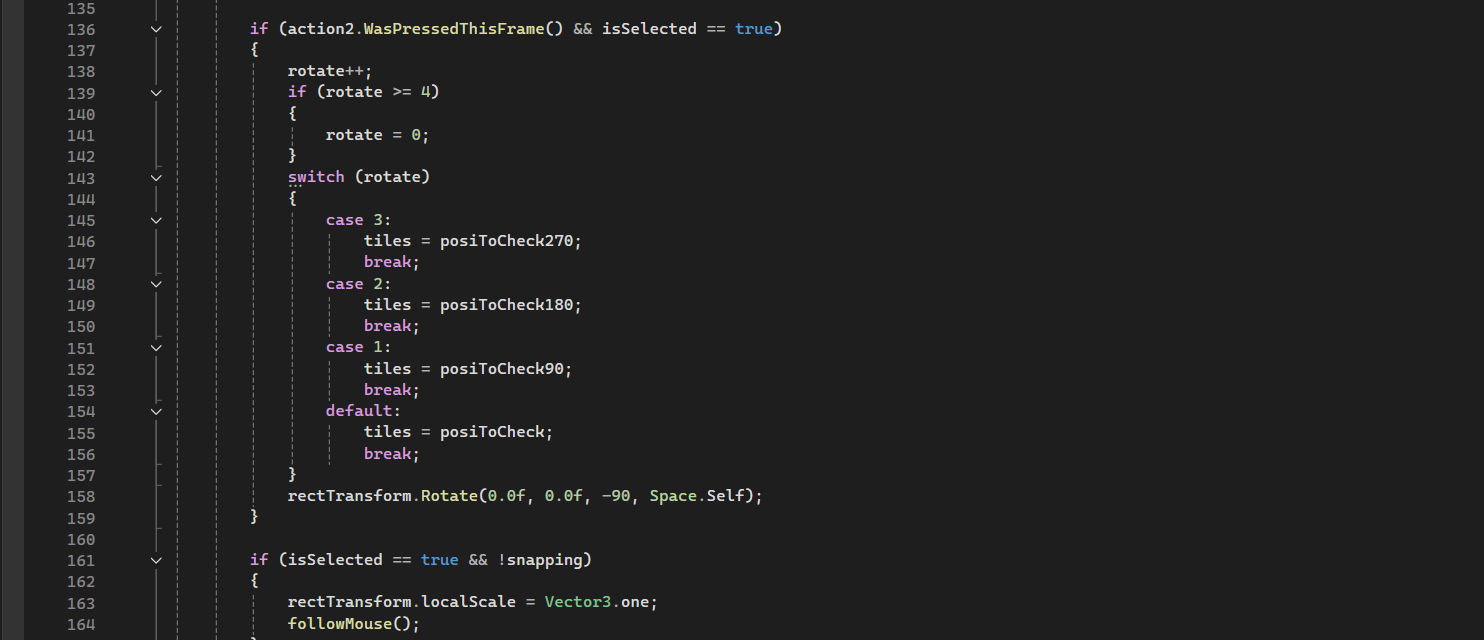
Rotates the selected tile
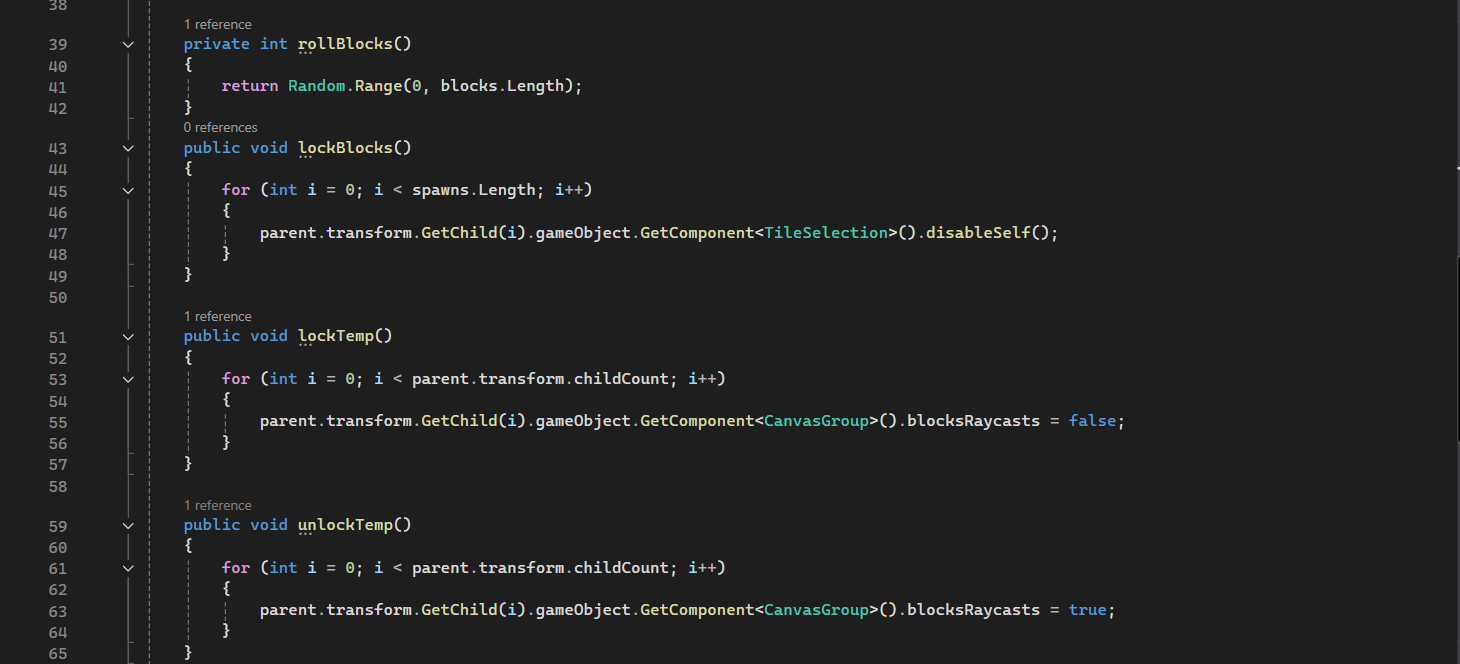
Locks the tile to the grid when placed
Dynamic Event System
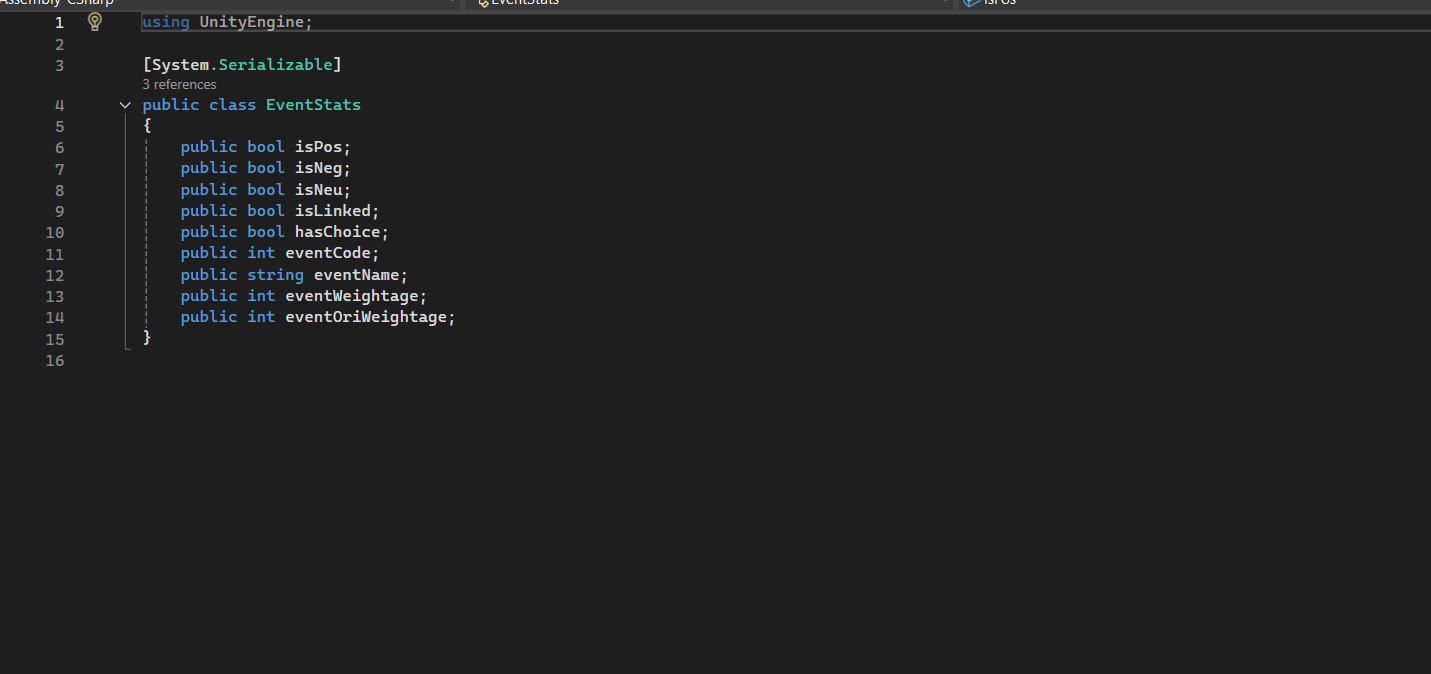
Variables that help to make up an event
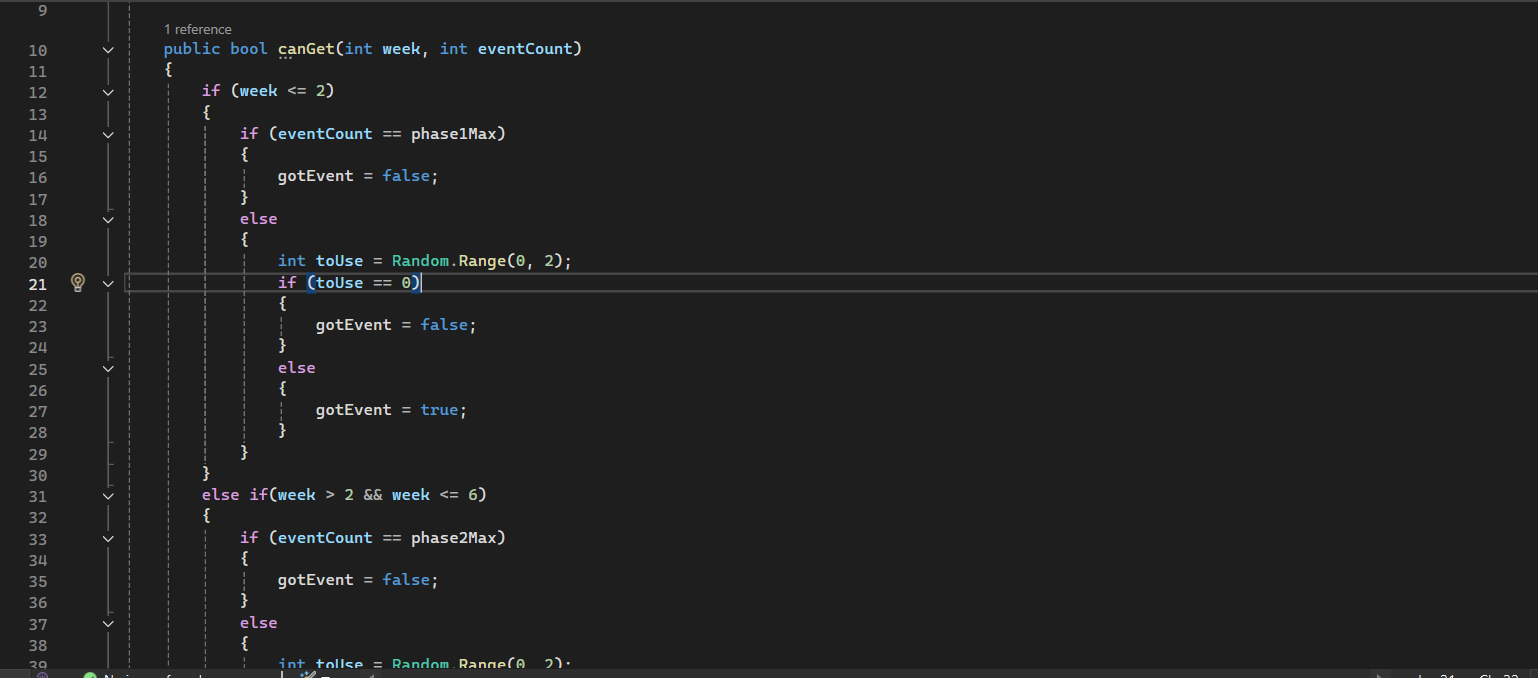
Function to check if the max amount of events has been reached in order to spawn more
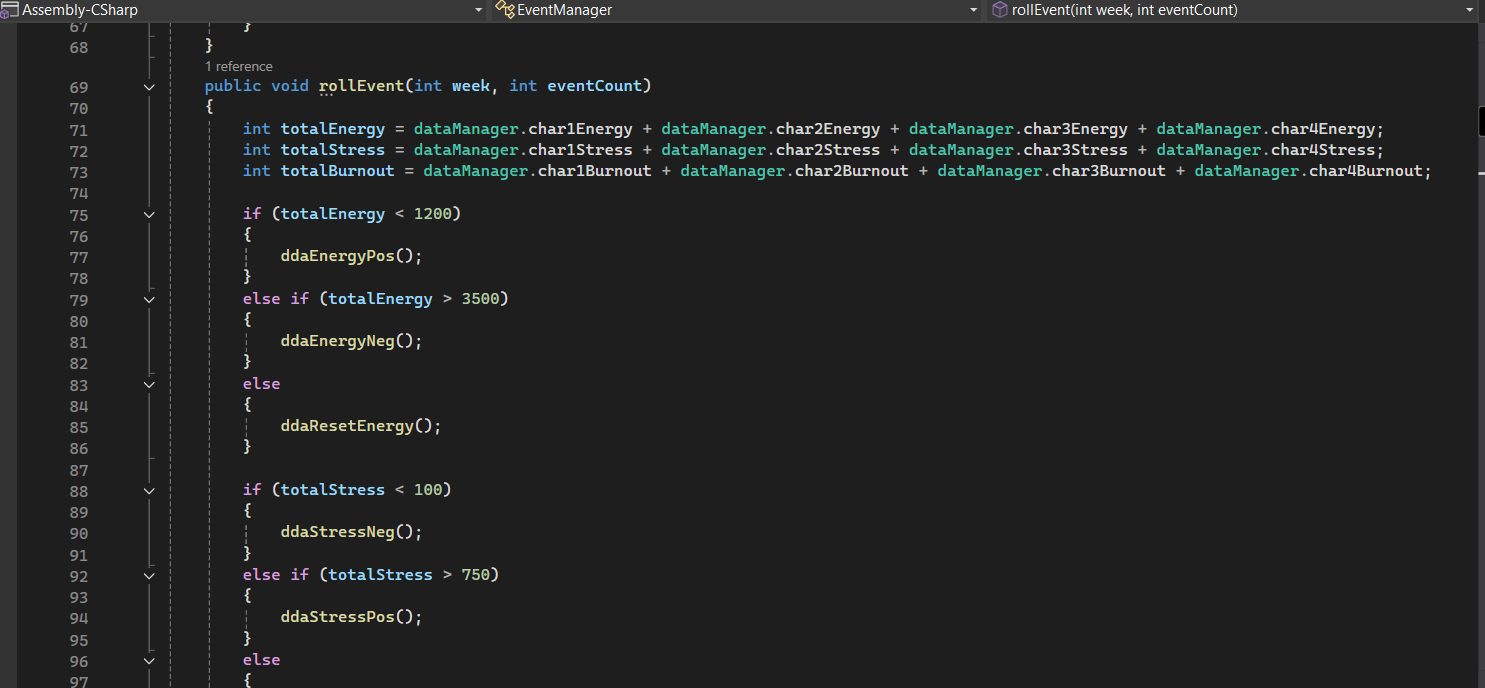
Dynamic difficulty adjustment based on certain values of the game(Character stats, work progress)
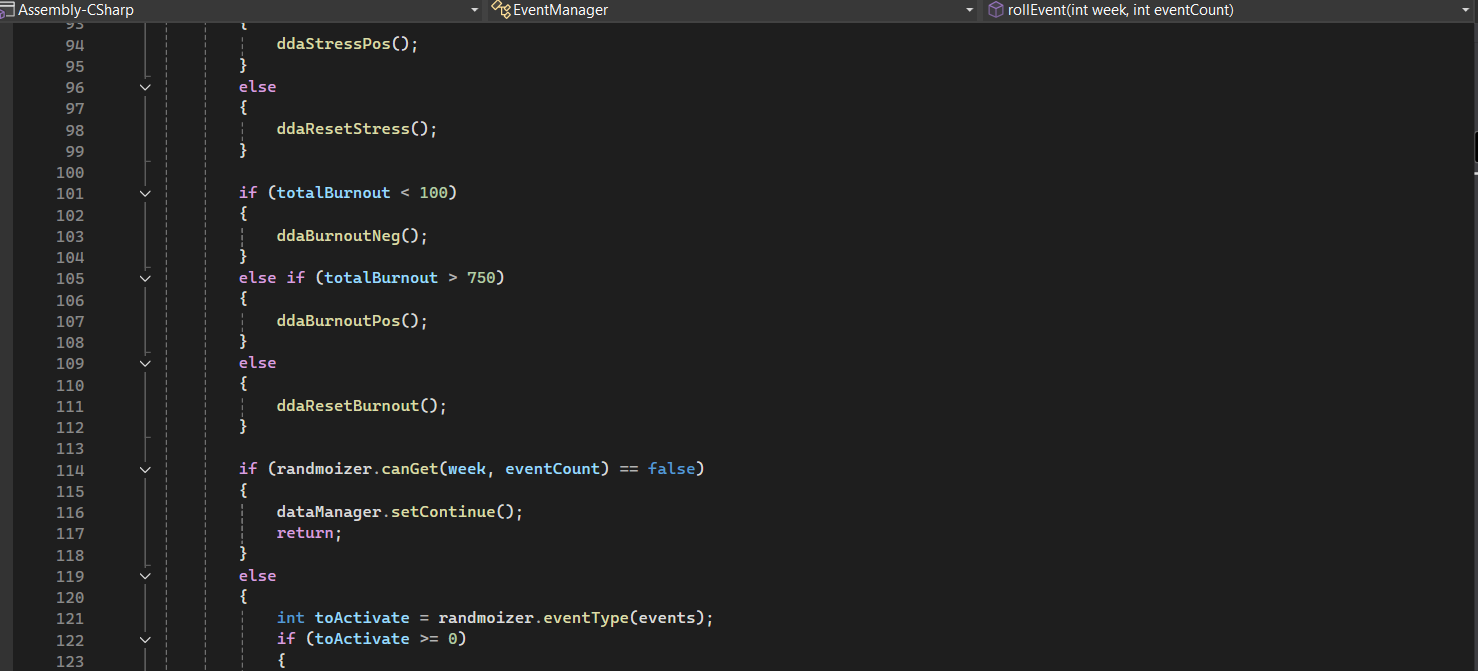
Continuation of the dynamic difficulty adjustment functions
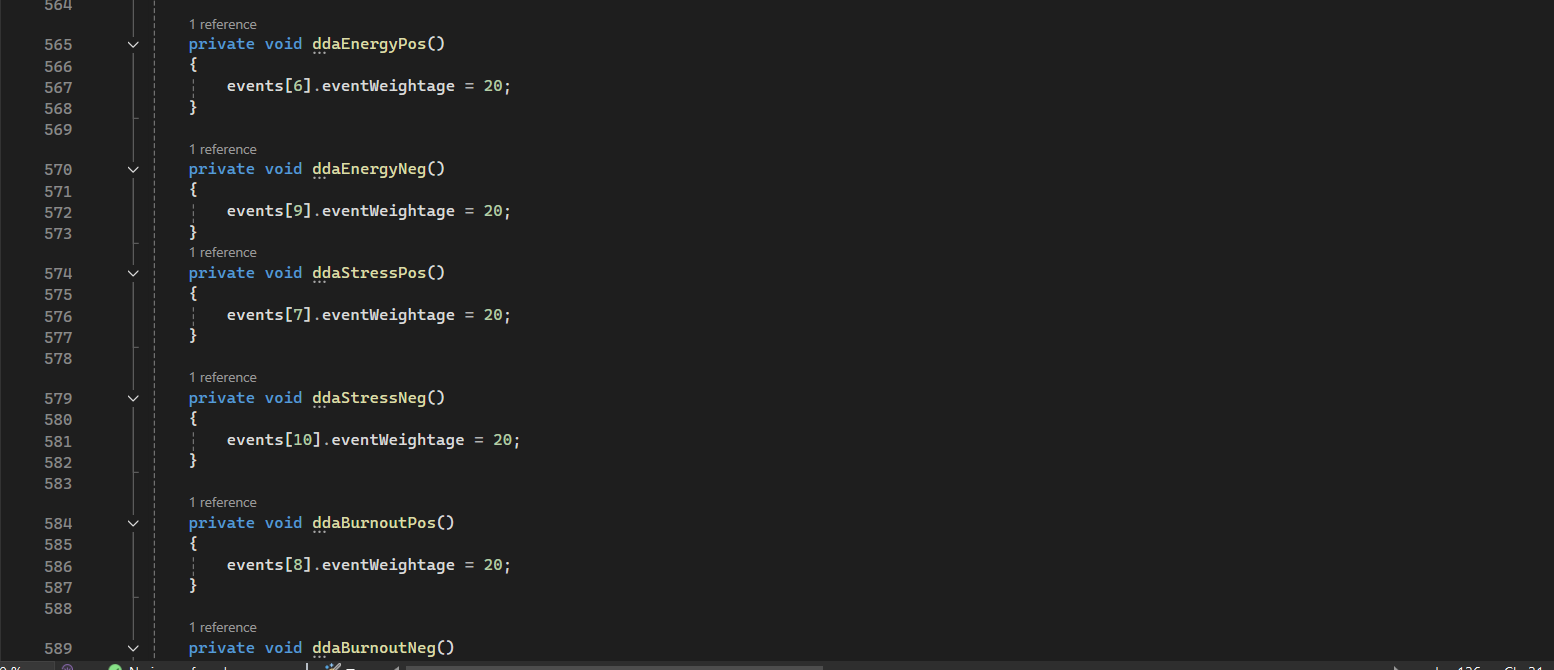
Change the weightage of certain events appearing after dynamic difficulty adjustment
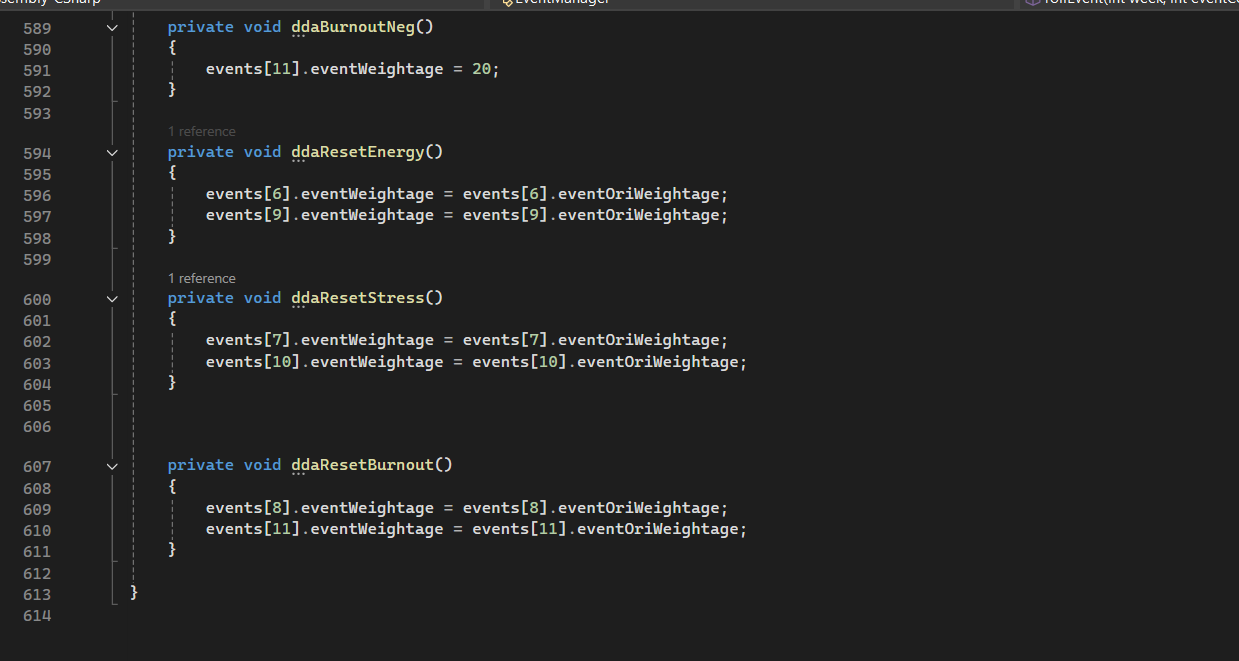
Reset the weightage to original values after an event chain ends
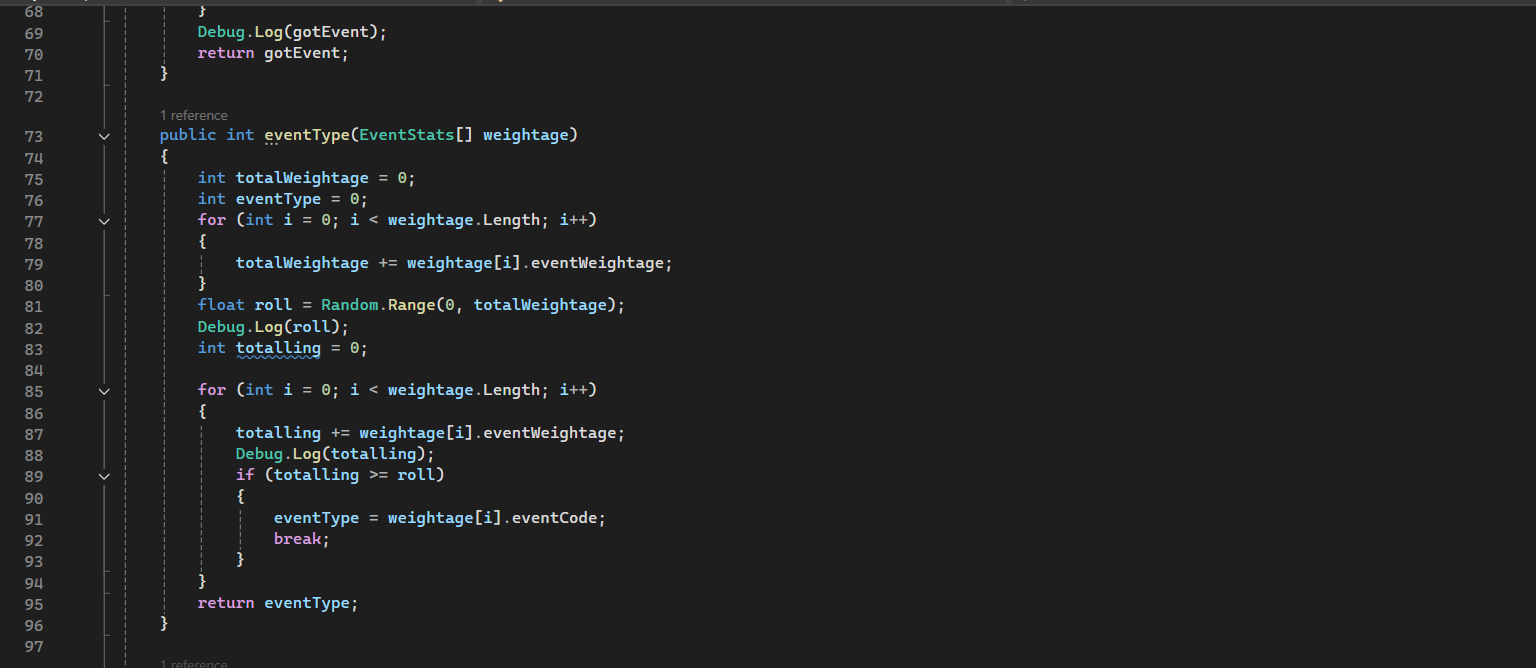
Function to randomize the type of event to occur(Positive, Negative, Neutral)
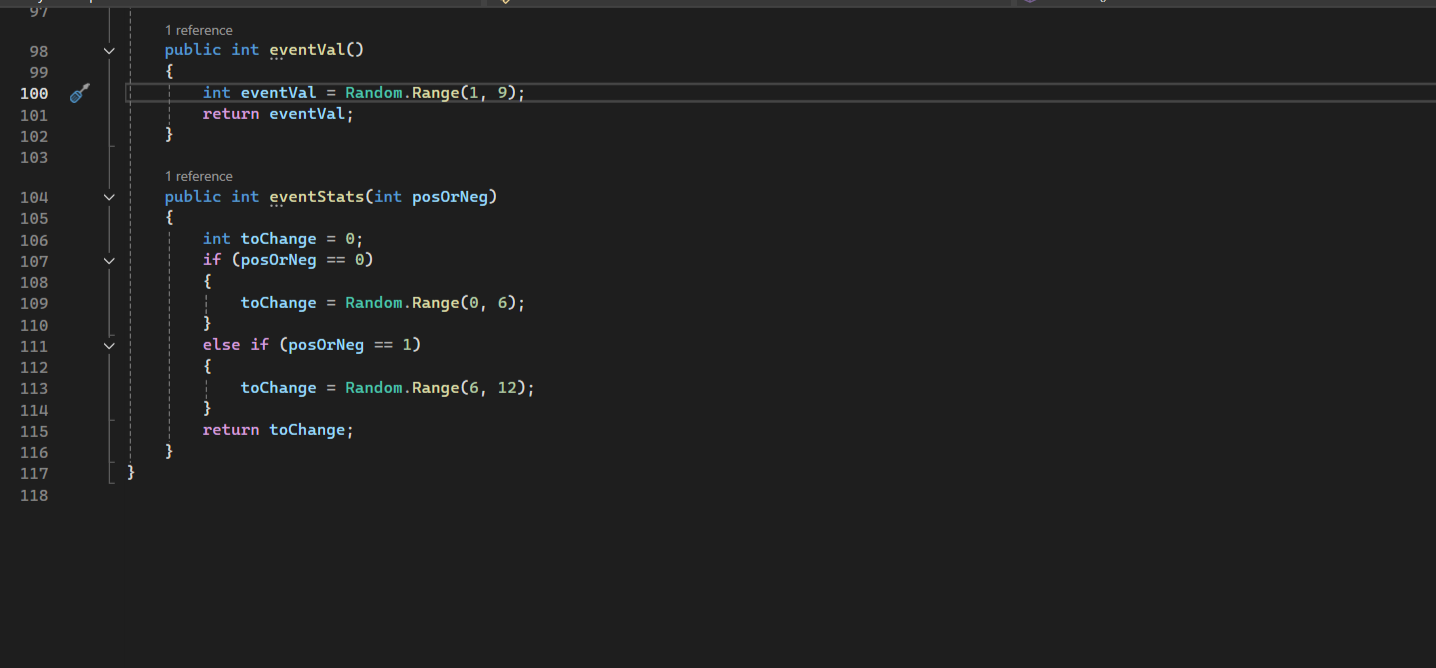
Function to randomize the stat values that the event will change
Dialogue System
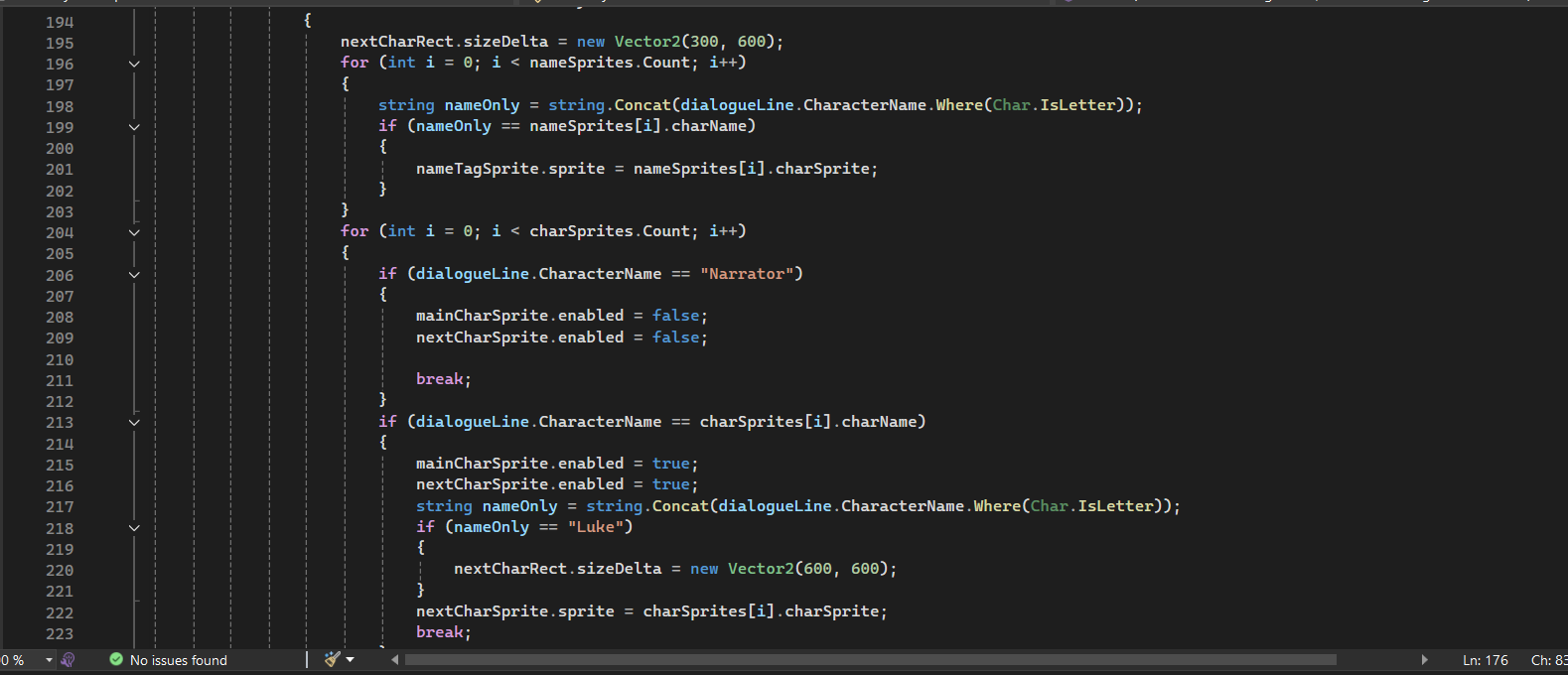
Modified the Yarn Spinner dialogue system to be able to display the sprites of the characters by detecting thier name
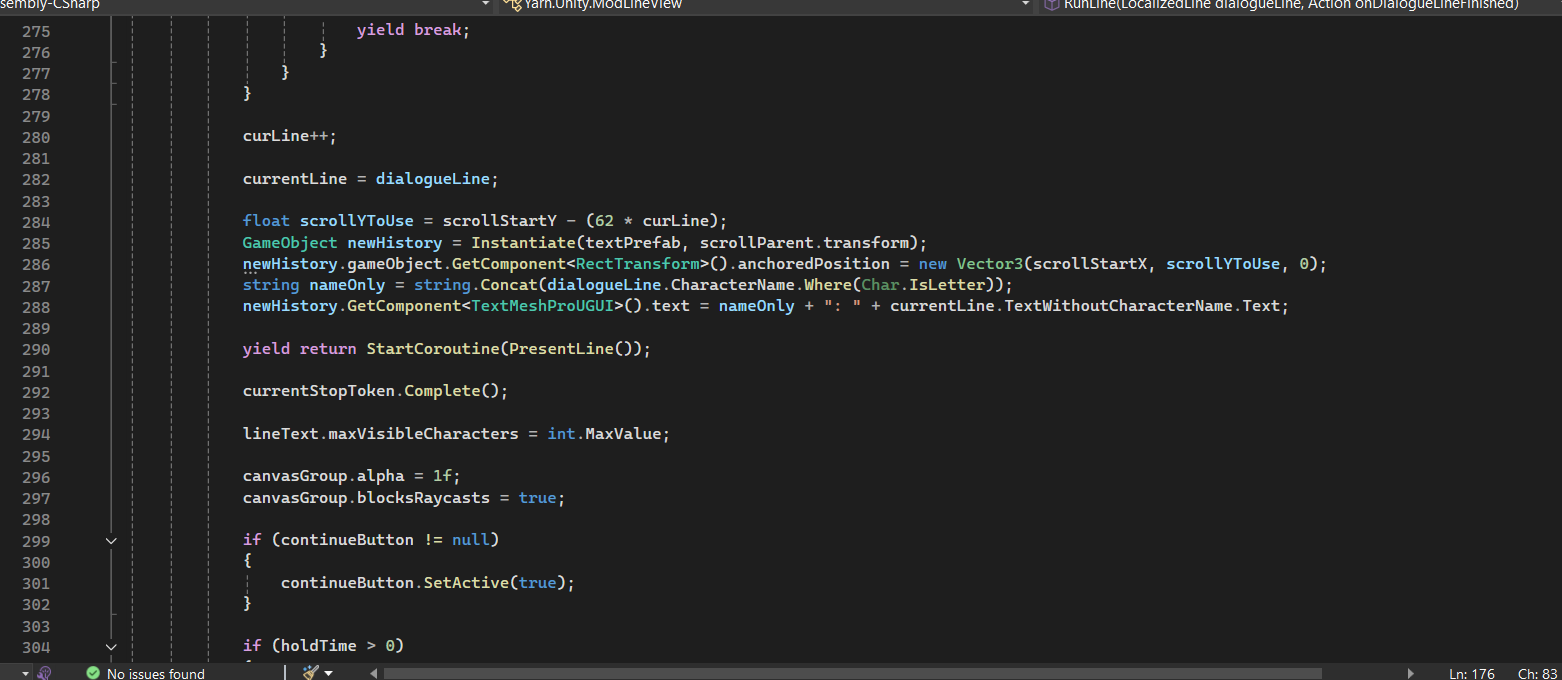
Another modification to allow the system to save the dialogue and display it as dialogue history
Third Person Movement System
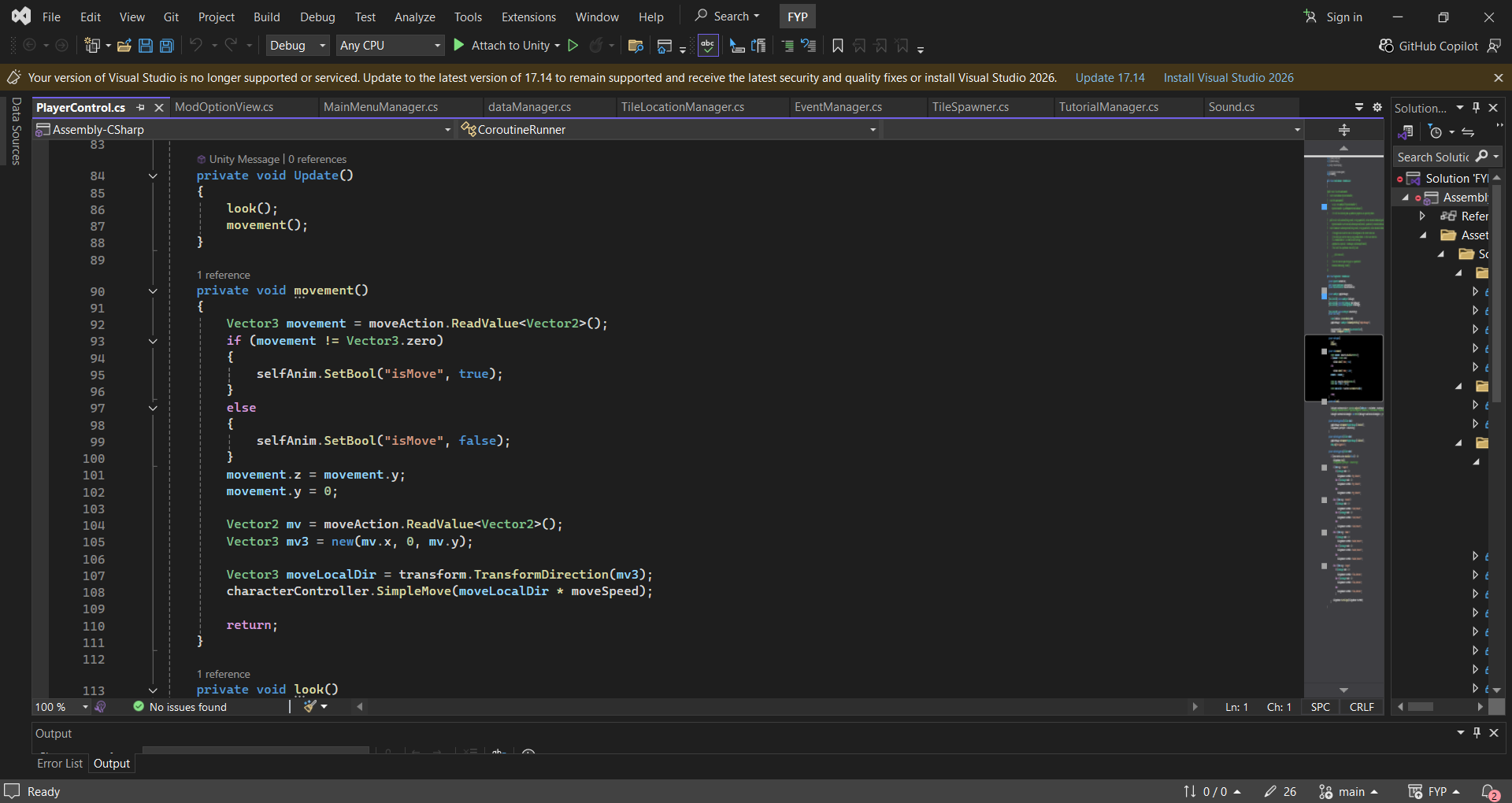
Move and look is called during update and checks for player input in order to move player character
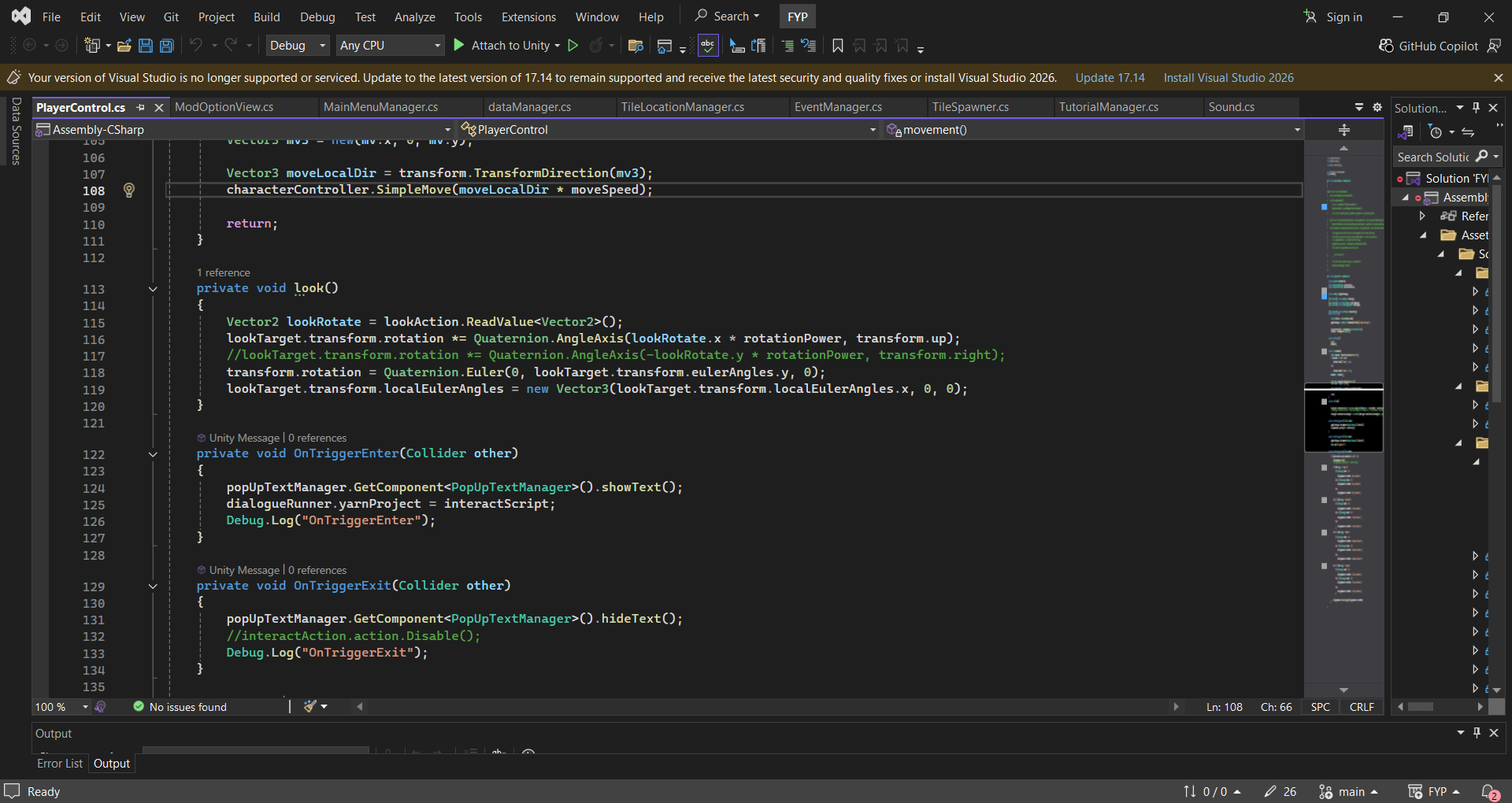
Look logic for the player character and also shows how the player handles collision when needing to interact with another character
Challenges and reflections
As the project had relatively simple gameplay, I had to help our designer find a way to enchance the gameplay experience.
I was also the only programmer on this project which caused this to be a bit of a challenge on my end.
However, I also took this as a learning experience to create something new with minimal guidance.
By doing so, I was able to create the Dynamic Event System that can be found in the game which creates various events to add variety to the gameplay.
I also managed to add different weightages to each event which will maniuplate the chances of a specific event spawning.
Using the weightages, I was able to maniuplate them to create a Dynamic Difficulty Adjustment for the game too
This specific feature of my game was the thing I was really proud of.
While I may be really proud of the above, I also have some regrets about the game.
The first is I wish I communicated better with my team, as I was unable to implement some of the assets they made proprely, and I wished I could have done more to showcase thier work better
The second was I wish I could have channeled more efforyt in to other parts of the game to polish them more, to make the whole game more well-rounded in general
Now Boarding is a hypercasual hidden object game made for browsers.
It was made as a submission for RedGames Jam 2025 with my FYP team members.
The game was selected as one of the Top 10 games of the jam.
As the main programmer of the game I have programmed the following systems:
Hidden Object Gameplay
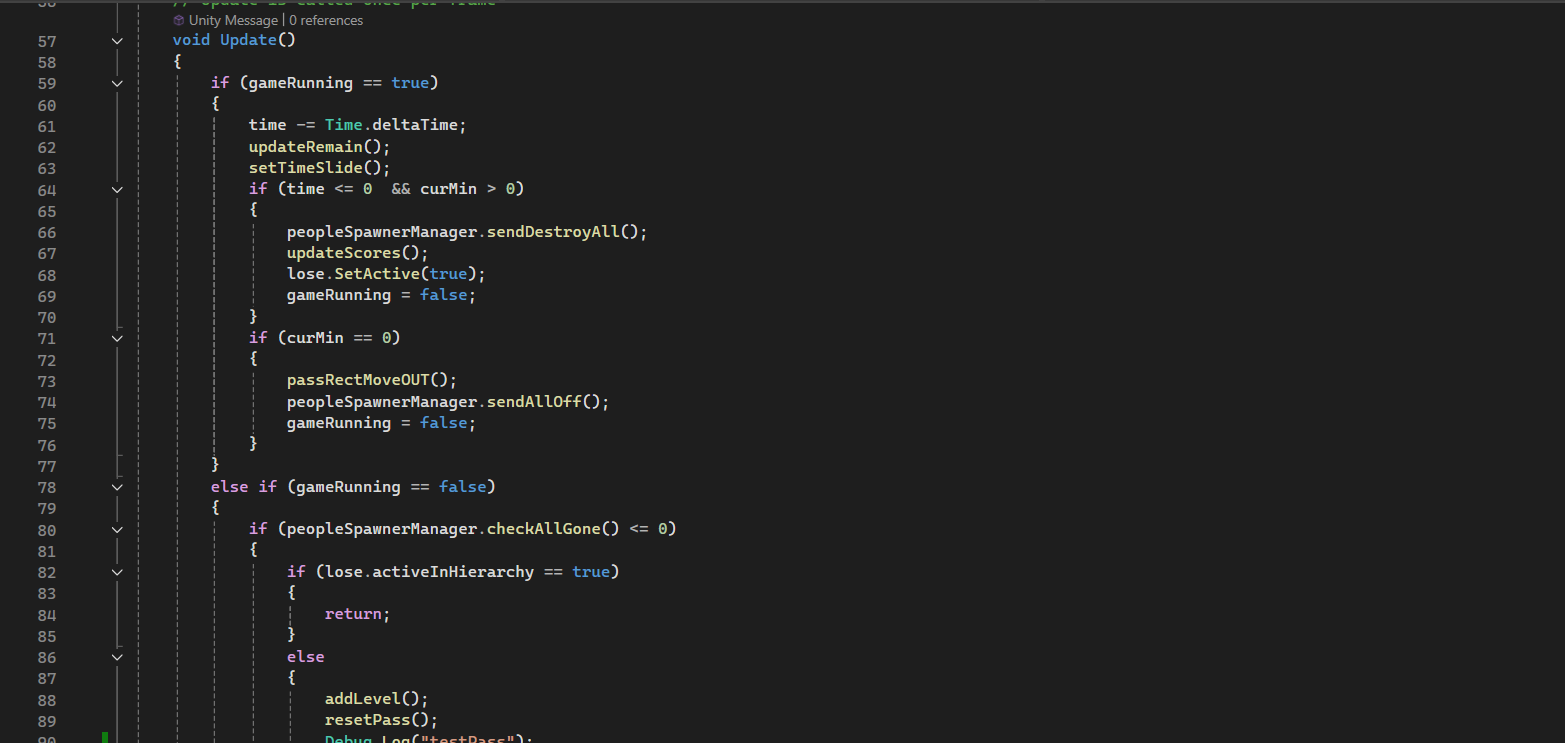
Setting up the game by calling the revelant functions
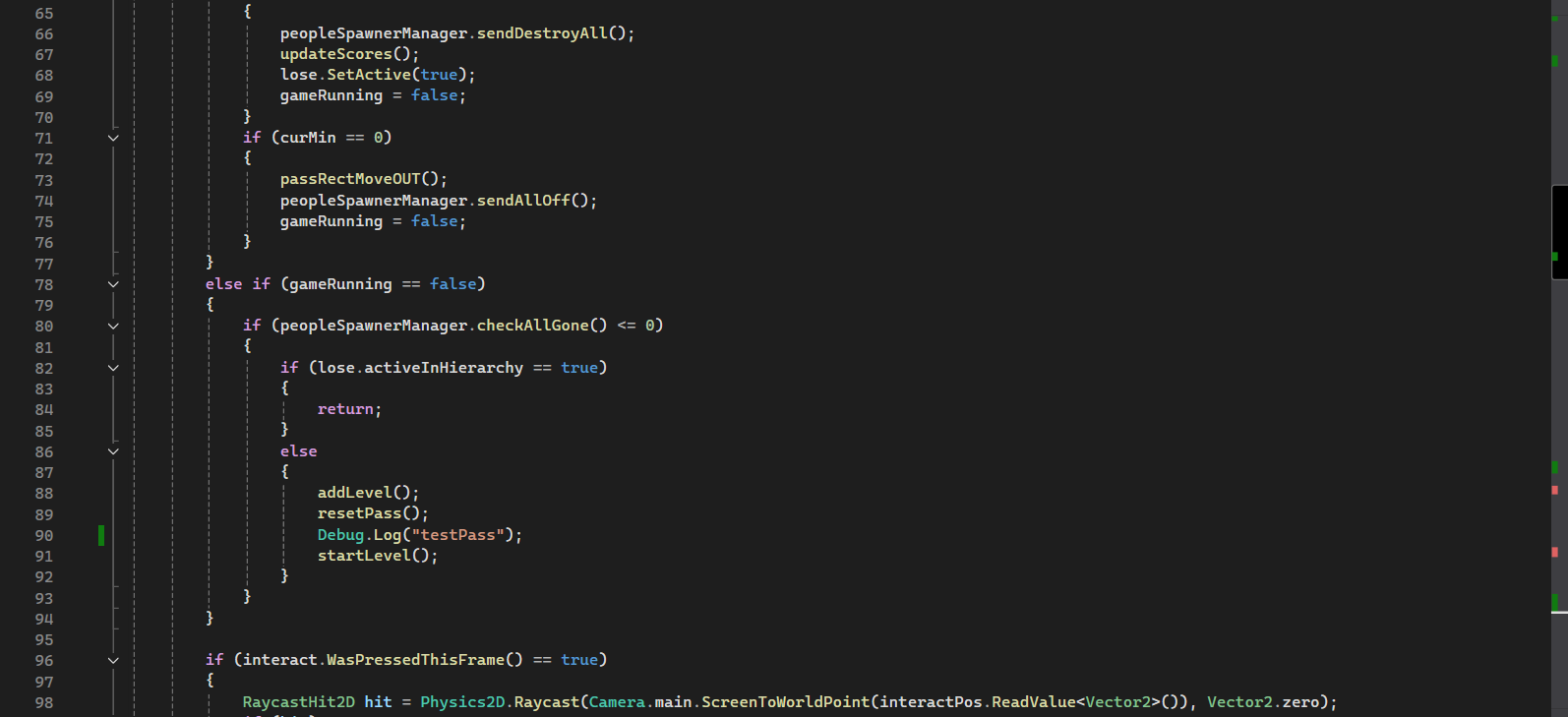
More functions to reset the game state after a level has been completed
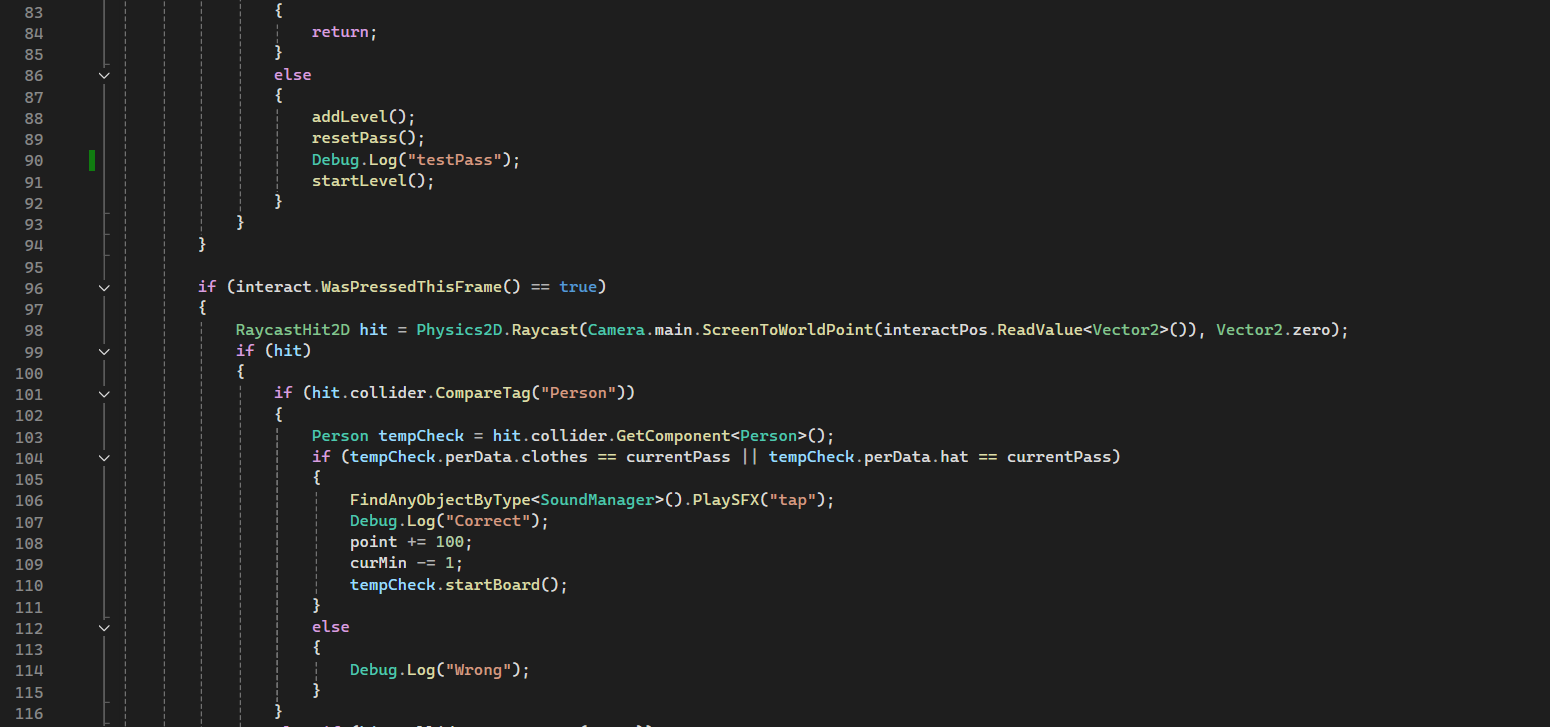
How the game handles interactions from the player to check if it matches the object to find
How the game handles interactions from the player to check if it matches the object to find
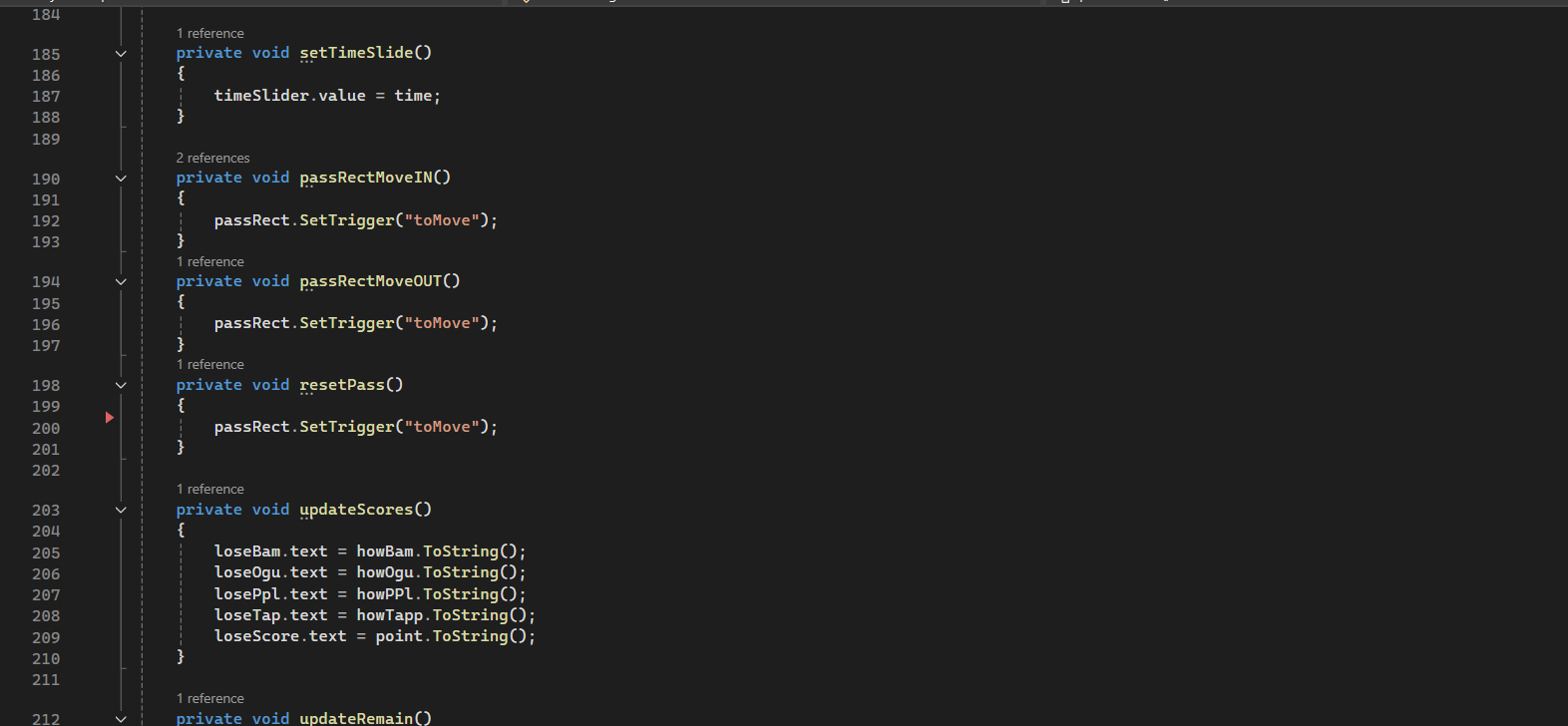
Updates the bounds of the level for the objects for when they move into the scene and when they need to be contained
Random Character Creator
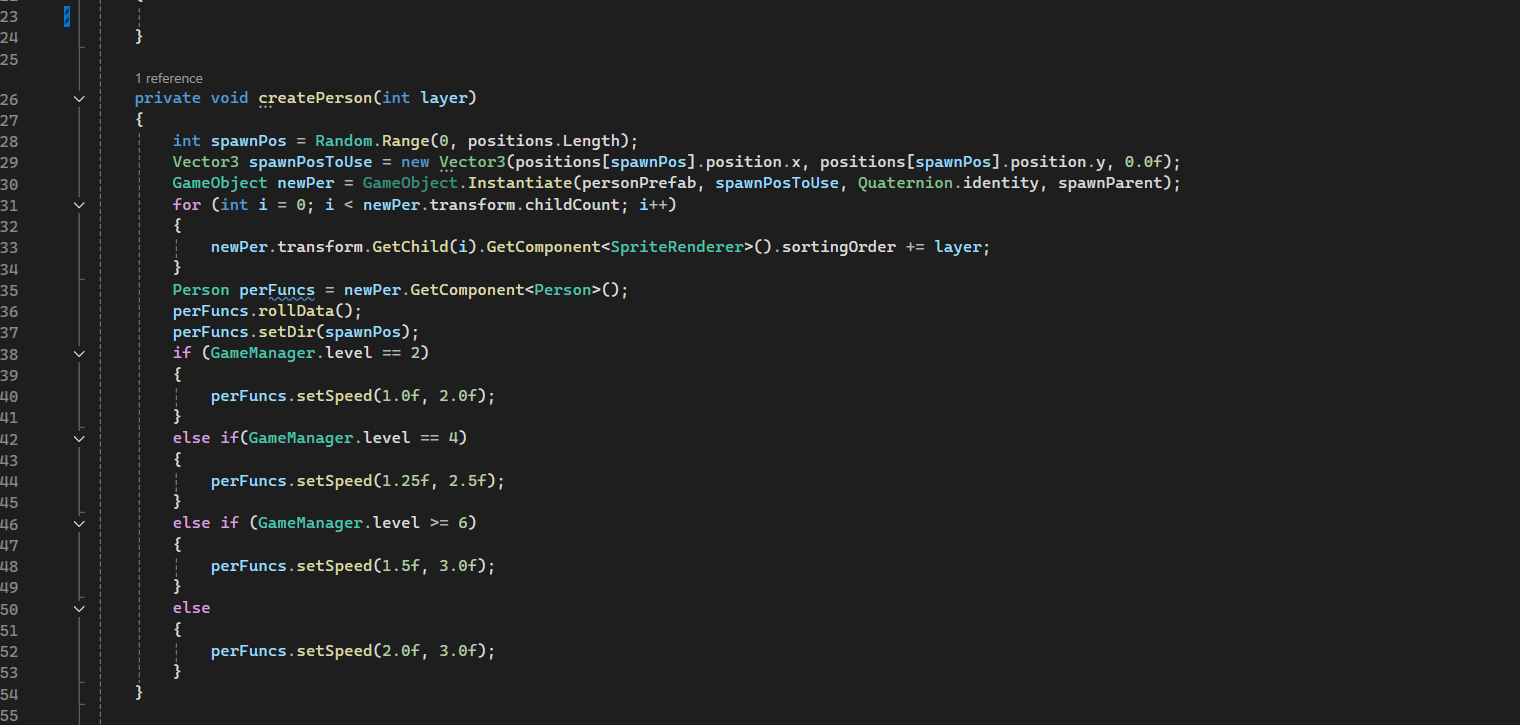
Function to randomly generate the character based on an array of sprites
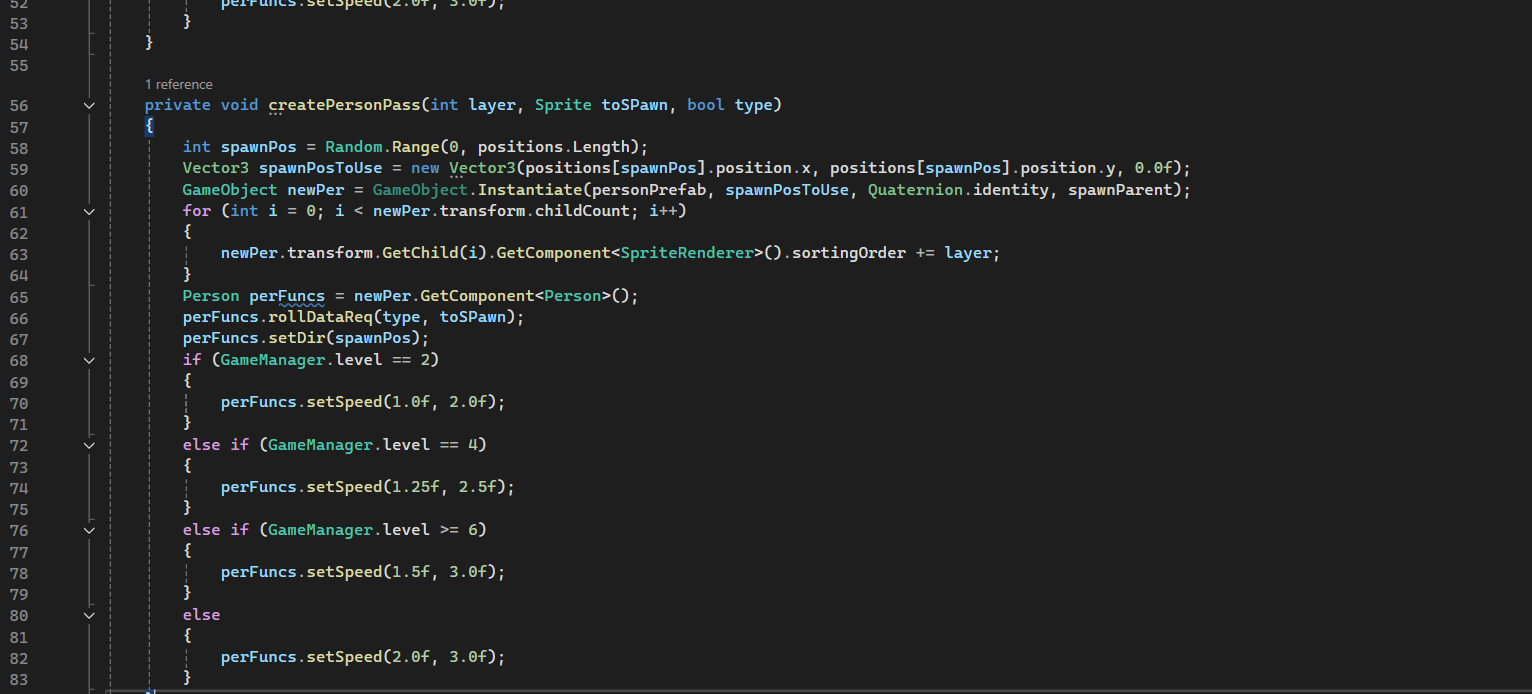
Modified function to spawn the minimum amount of characters needed that has the object to be found
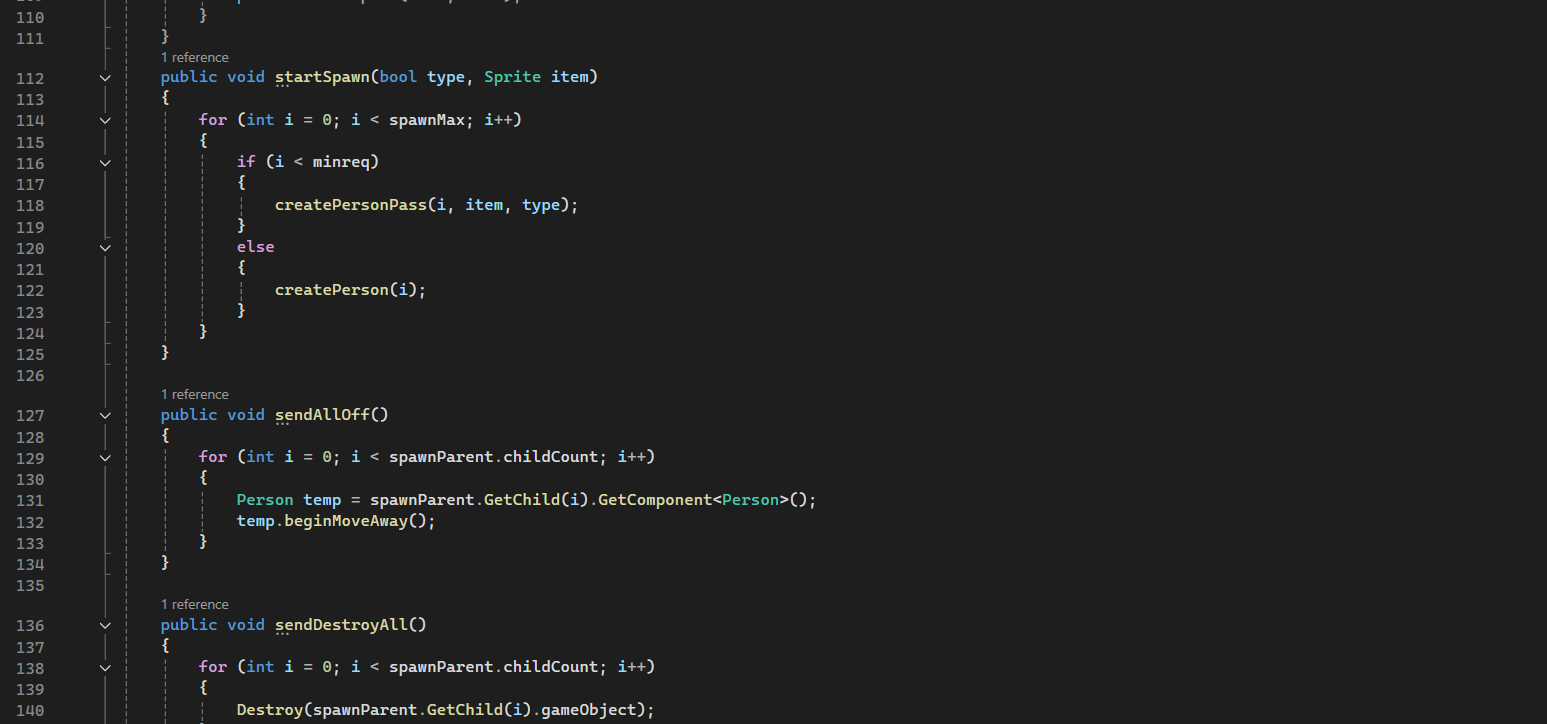
Functions to initialze the generation as well as destruction of the characters
Challenges and reflections
This game was the result of joing RedGames Jam 2026 while working on our FYP.
We took this as an opportunity to take a short break from our FYP while continuing to hone our game development skills further.
The main challenge I encountered was the time limit for the game jam.
Due to the time constraints of the Game Jam, I was unable to implment all the features that my designer had planned out for the game.
This made me realize that I needed to have better time management in order to be able to complete a game in such a small timespan.
While certain things could be better in this project, there was also great things that came out of the game.
The first one is that our game managed to place Top 10 among all the game in RedGame Jam 2026 which was a huge acheivement.
The second is I learnt quite a bit on how to dynamically generate and spawn objects, a concept which I would then use in my FYP for the Dynamic Event System found in it.
All in all, this game was a good side project to help us realign ourselves during our FYP and I learnt a lot from it
Rapture Reign is a hack-and-slash action game for Android mobile devices.
It was my Game Project Studio 2 game made with my semester classmates.
Due to the size of the team, I have chosen to focus on VFX programming.
What I worked on:
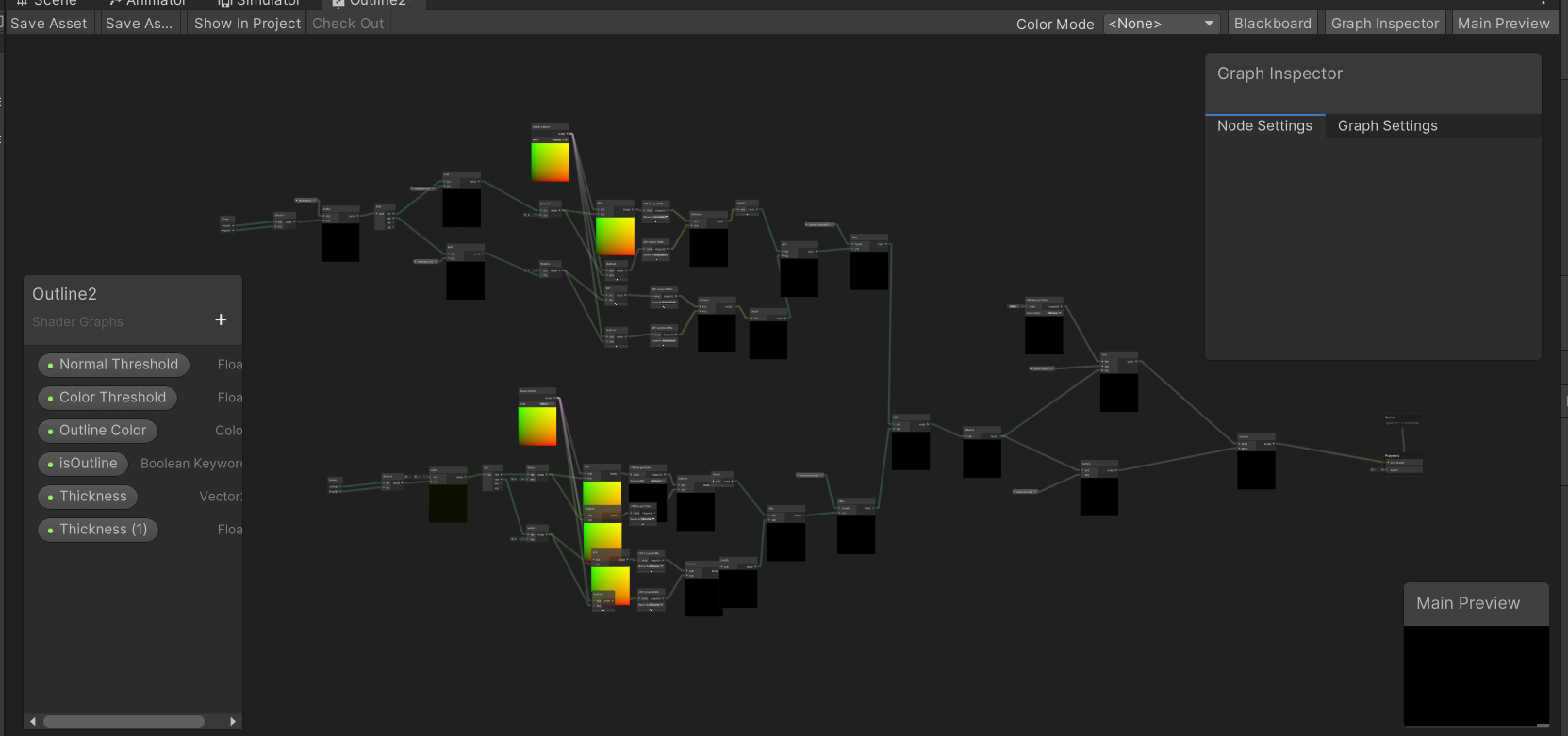
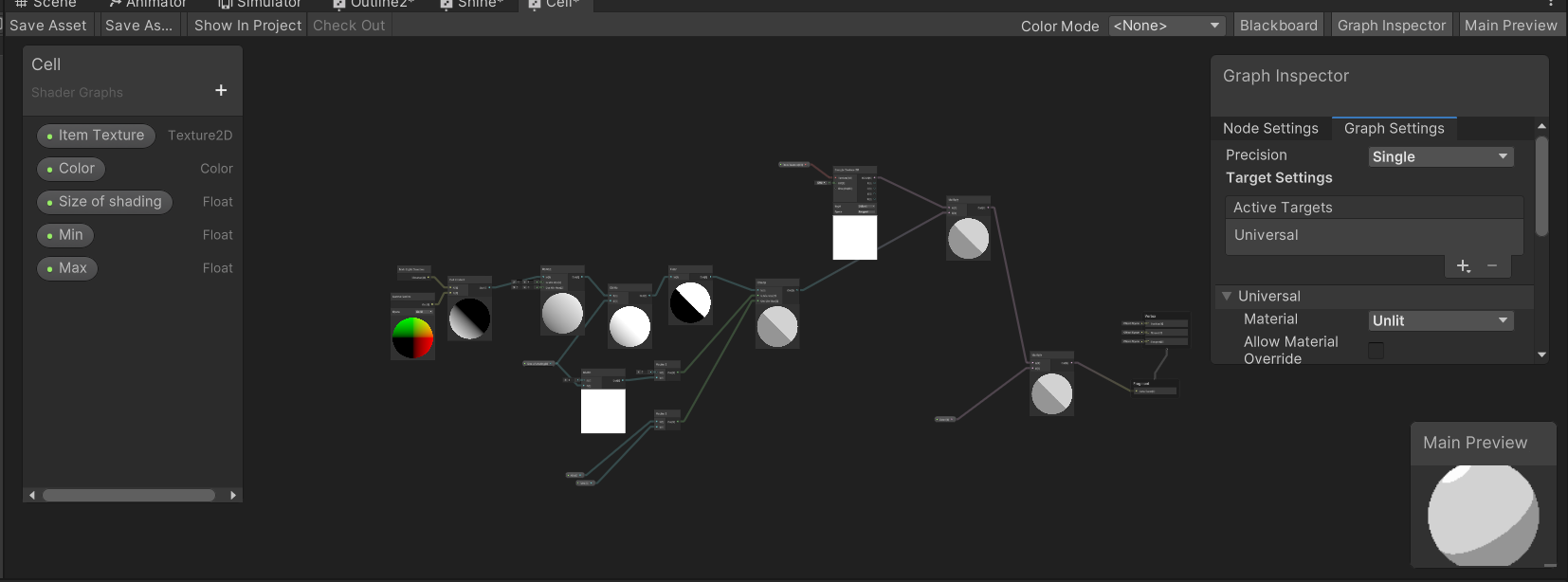
The shader graphs for implementing cell shading + adding outlines to an object to create a toon shader
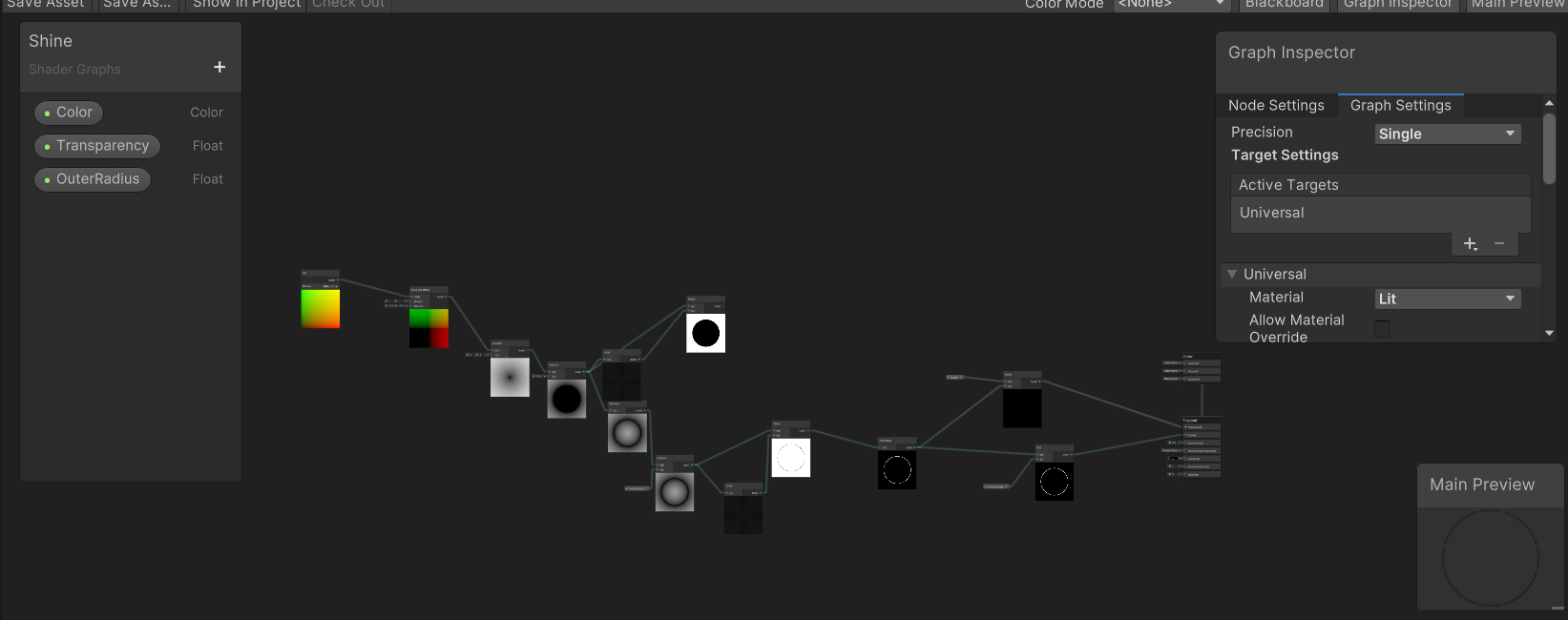
Shader for the shield parry effect to make the shield glow
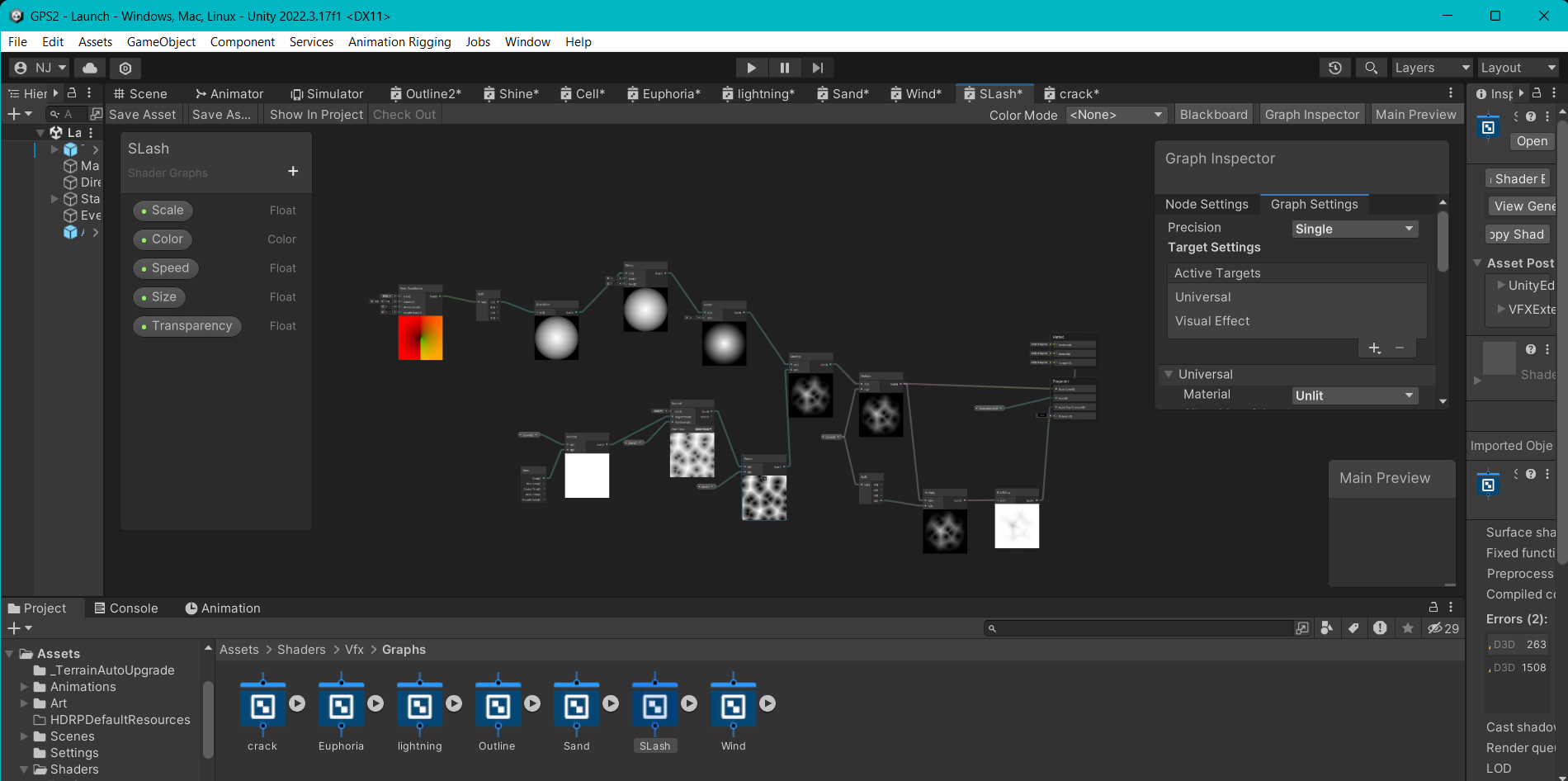
Shader graph made for the flame attack of the player
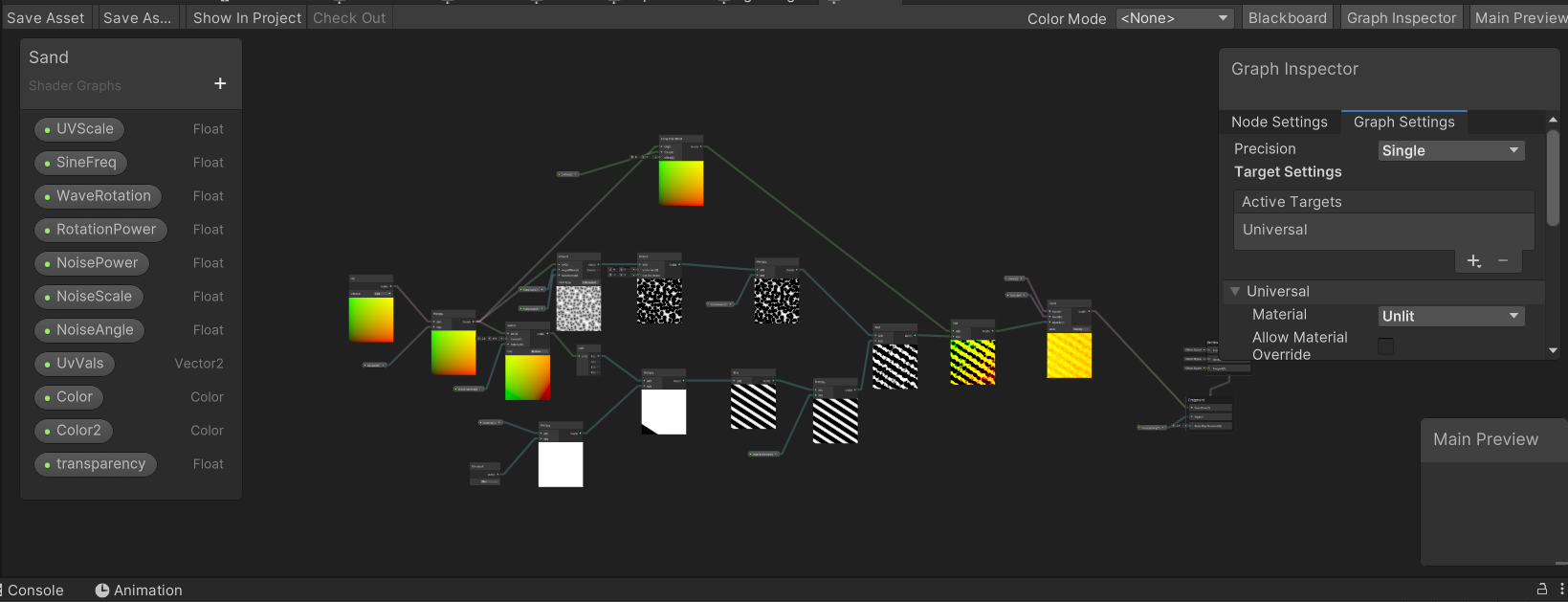
Sand attack shader made for one of the monsters
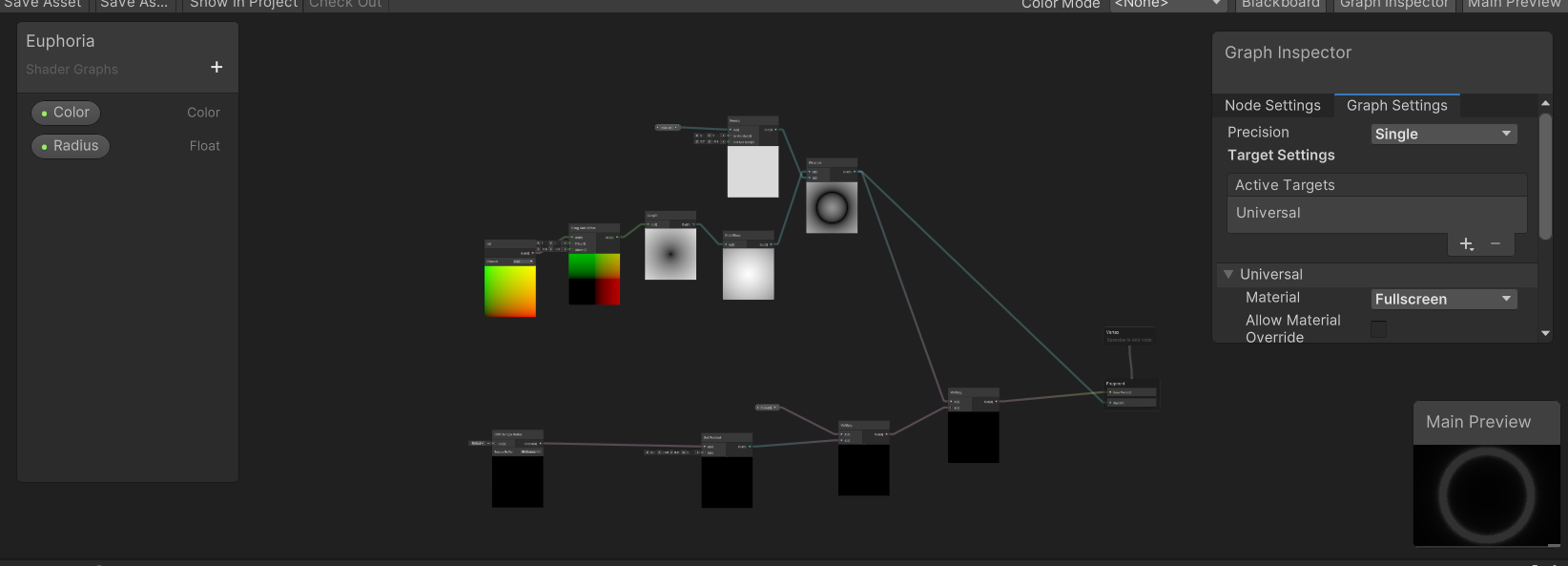
A fullscreen shader made to turn the game greyscale when the player enters the attack phase
Challenges and reflections
This game for our GPS2 subject was the first time that I had worked on a mobile game.
This was also the first time that I worked in a large group consisting of 16 people.
One of the challenges I faced in the production for this project is learning how to create visual effects in Unity.
Therefore, I had to spend time and effort to learn about Unity's Shader Graph system, VFX Graph system and Particle System and how to use them.
Another problem I encounetered while making the game is adapting it for mobile, I had to make sure that these effects would be able to run on mobile.
Because of that I had to pivot from using VFX graph to the Particle System as VFX graph had issues on mobile.
This whole project was a bit rocky but was overall a unique learning expeirence in stepping out of my comofrt zone and coordinating with a lot of people.
One thing I wished I have done in this project was helping in other technical aspects of the game that I could help with.
This is because I felt everyone was working on thier own small portion of the game instead of working together.
If we worked on certain parts of the game together, I believe the game would have been in a better state.
All in all, this project was a unique learning experience in regards to creating a mobile game.
The 7th Seal is a rougelike card game with a solitaire twist.
It was my Game Project Studio 1 game made with my teammates.
The game is the first major game that I have worked on.
I was the lead programmer on the game and worked together closely with co-progammer.
What I worked on:
Card Generator Prefab
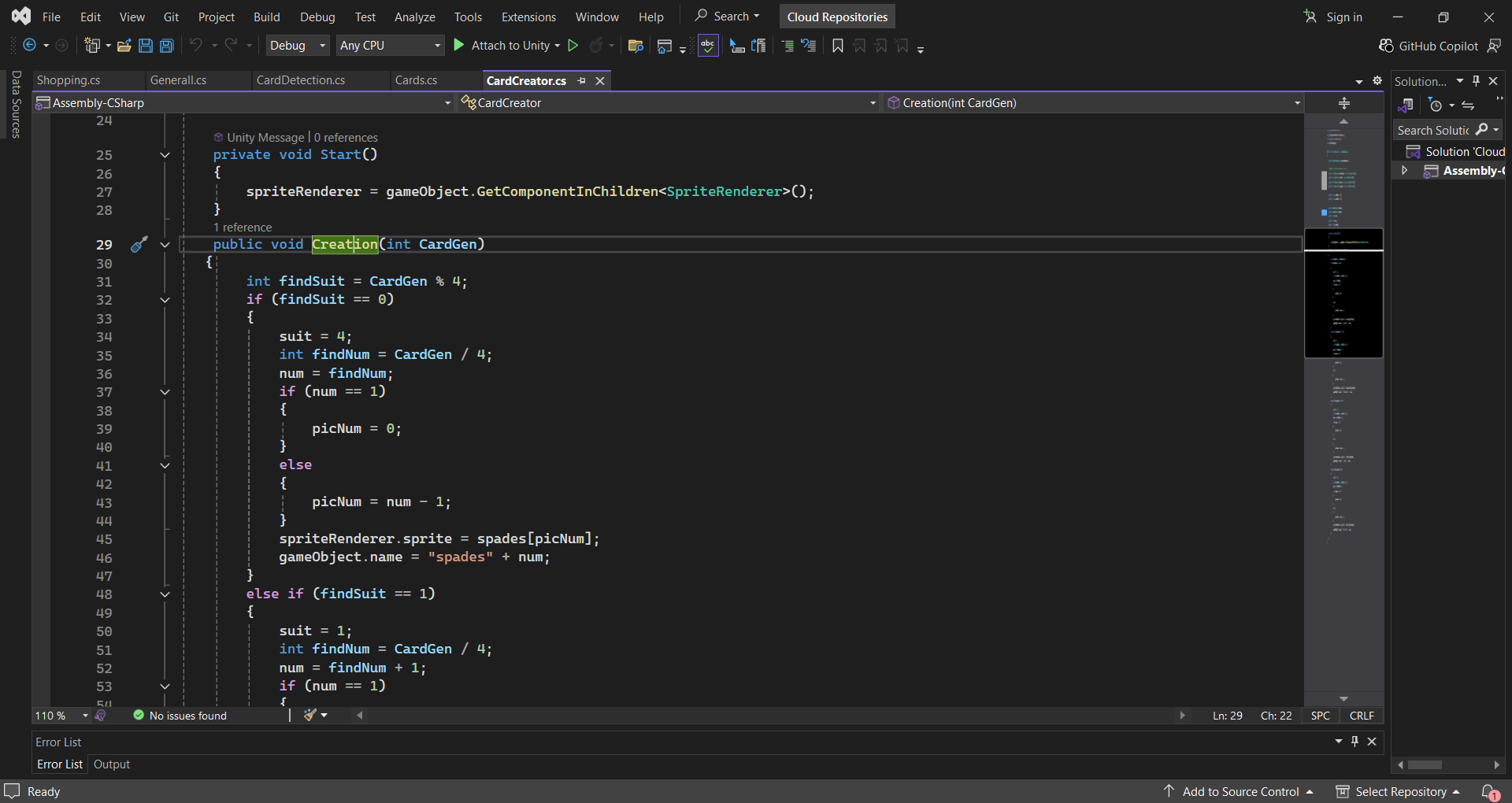
Function to create the card based on a randomized value passed to the function
Card Placement and Detection
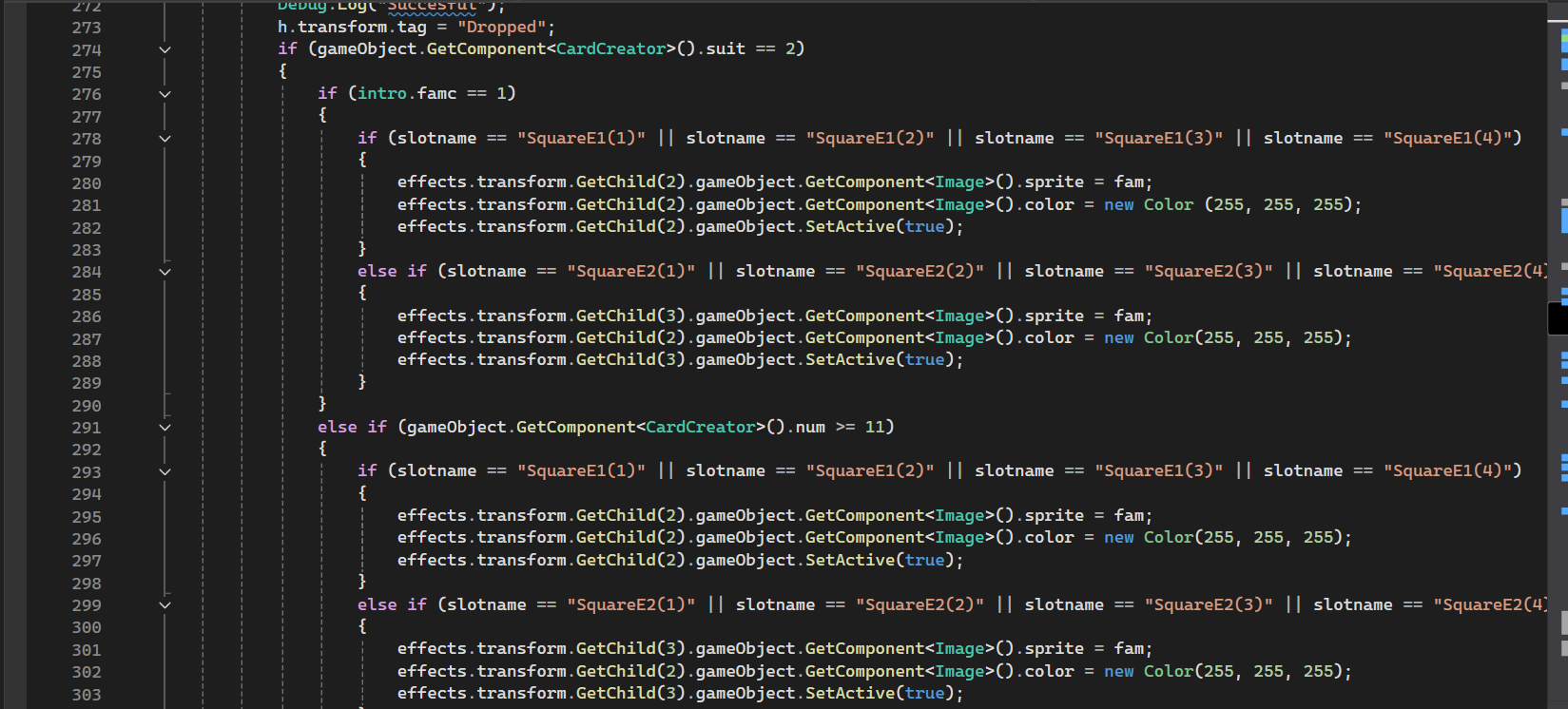
Function to manipulate the appearence of the slots based on the type of the card that has been placed
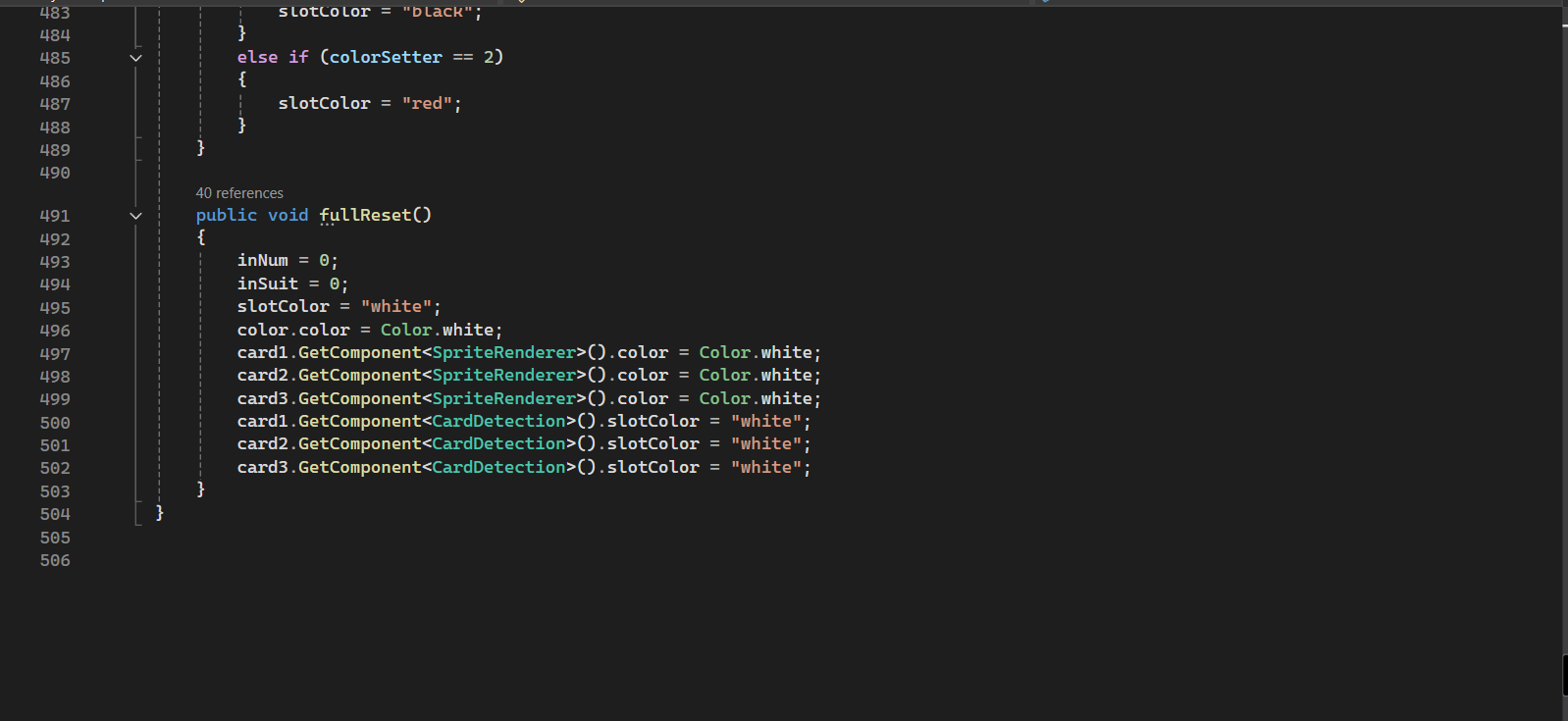
Function to reset all the slots after a player manages to damage the enemy
UI Implementation
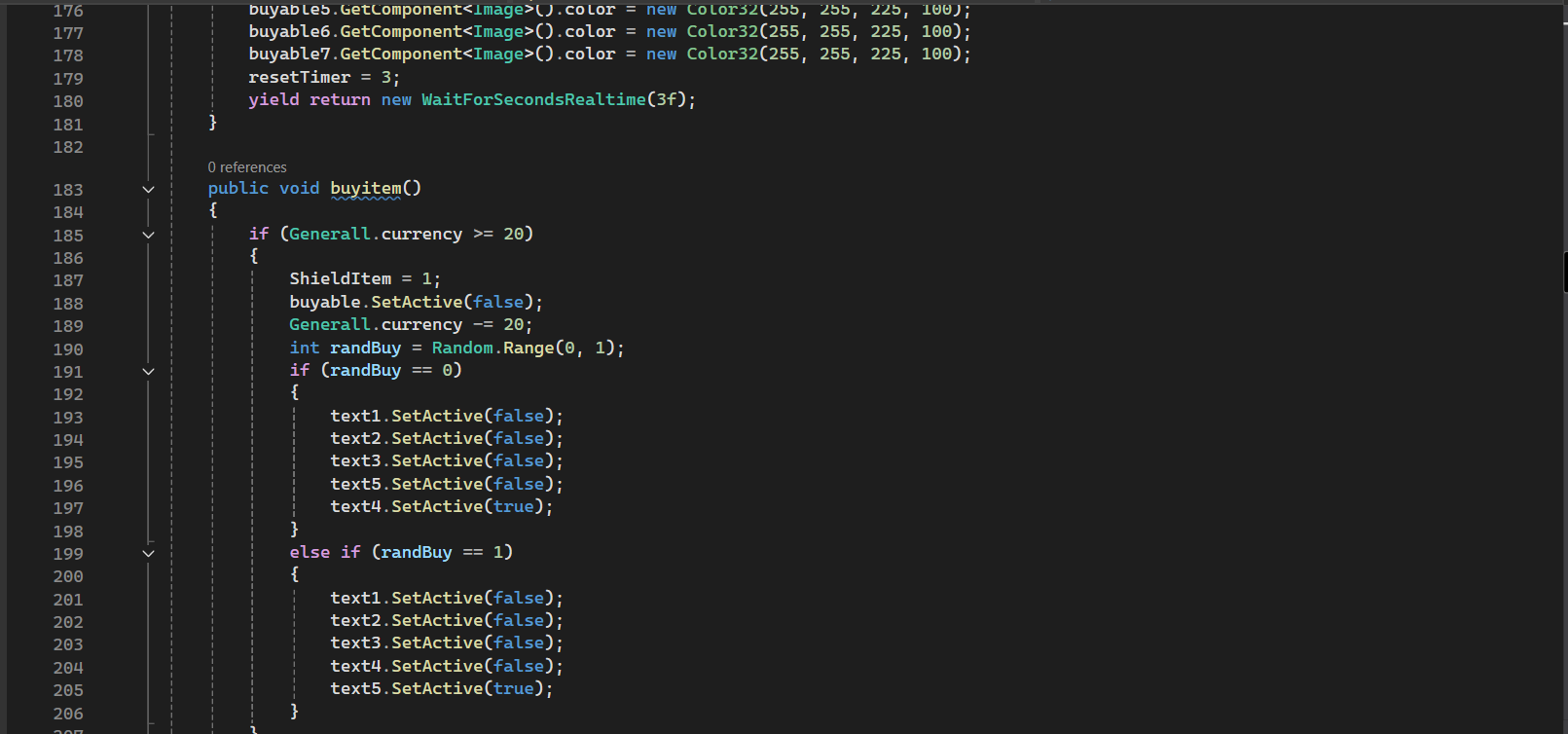
Some functions created to manipulate the UI in the shop depending on the item that the player decides to buy
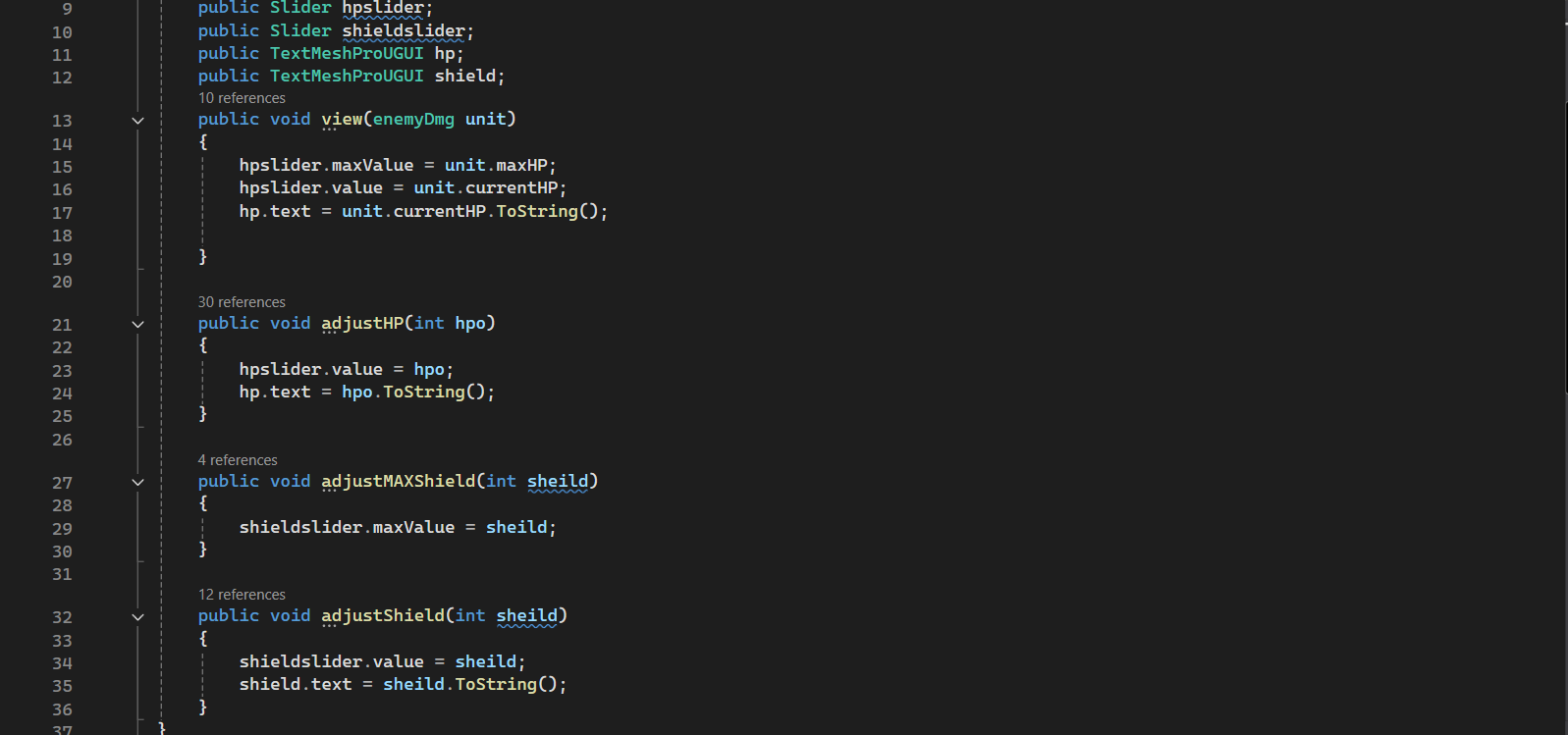
Functions that I have created to change the UI for the player health and shield
Challenges and reflections
This was my very first real game project in Unity as well as the first time that I have worked with a team of designers, artists and other programmers on a proper game.
Therefore, my code in this particular project may not be as clean as later projects as I was mostly learning how to use C# and Unity as an engine.
This was also my first time using version control for a project as I was working with another programmer on the game.
Therefore, I had to learn quite a bit in order to be able to contribute to the project.
Another challenge I had to face was learning how to communicate with designers and artists.
I had to learn how to communicate properly with them to help them understand what can be done or cannot be done for the game.
As this was my first actual experience in a semi proper development enviroment, I have learnt a lot of stuff from this project.
Looking back, there was a couple of things that I would have done differently if I could.
These things would have been to focus on learning the essestial parts of Unity for the game, as I still struggled with it towards the later half of deveopment.
And also, I would have communicated differently with my teammates as it would probably have helped to streamline production.